

Updating Pi-hole
Maintenance and Monitoring
Updating Pi-hole via the web admin
Updating Pi-hole through the web admin interface is typically straightforward:
- Access your Pi-hole web interface (usually at http://pi.hole/admin or your Pi-hole's IP address)
- Log in if required
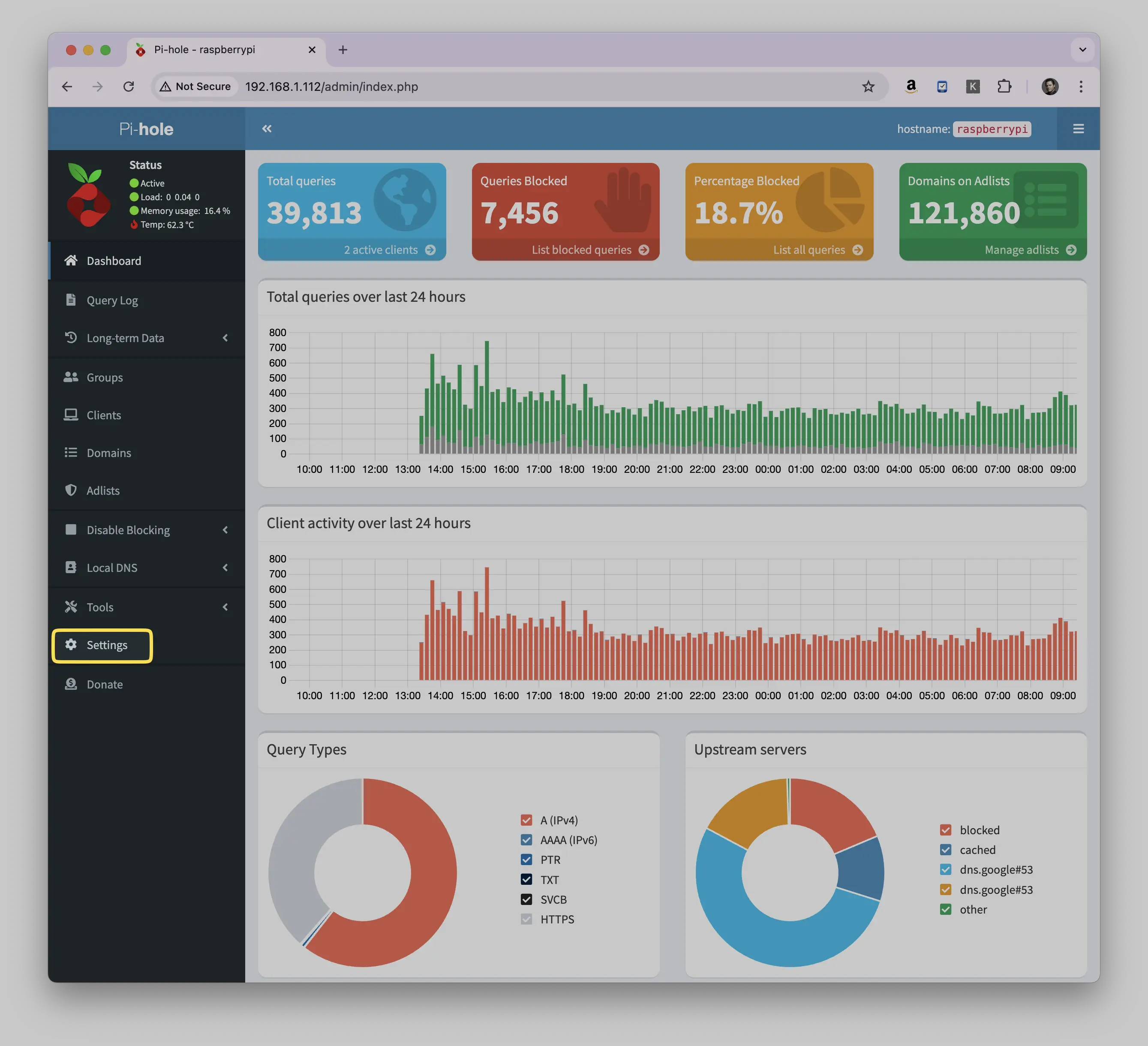
- Go to Settings (gear icon)
 4.Navigate to the System tab
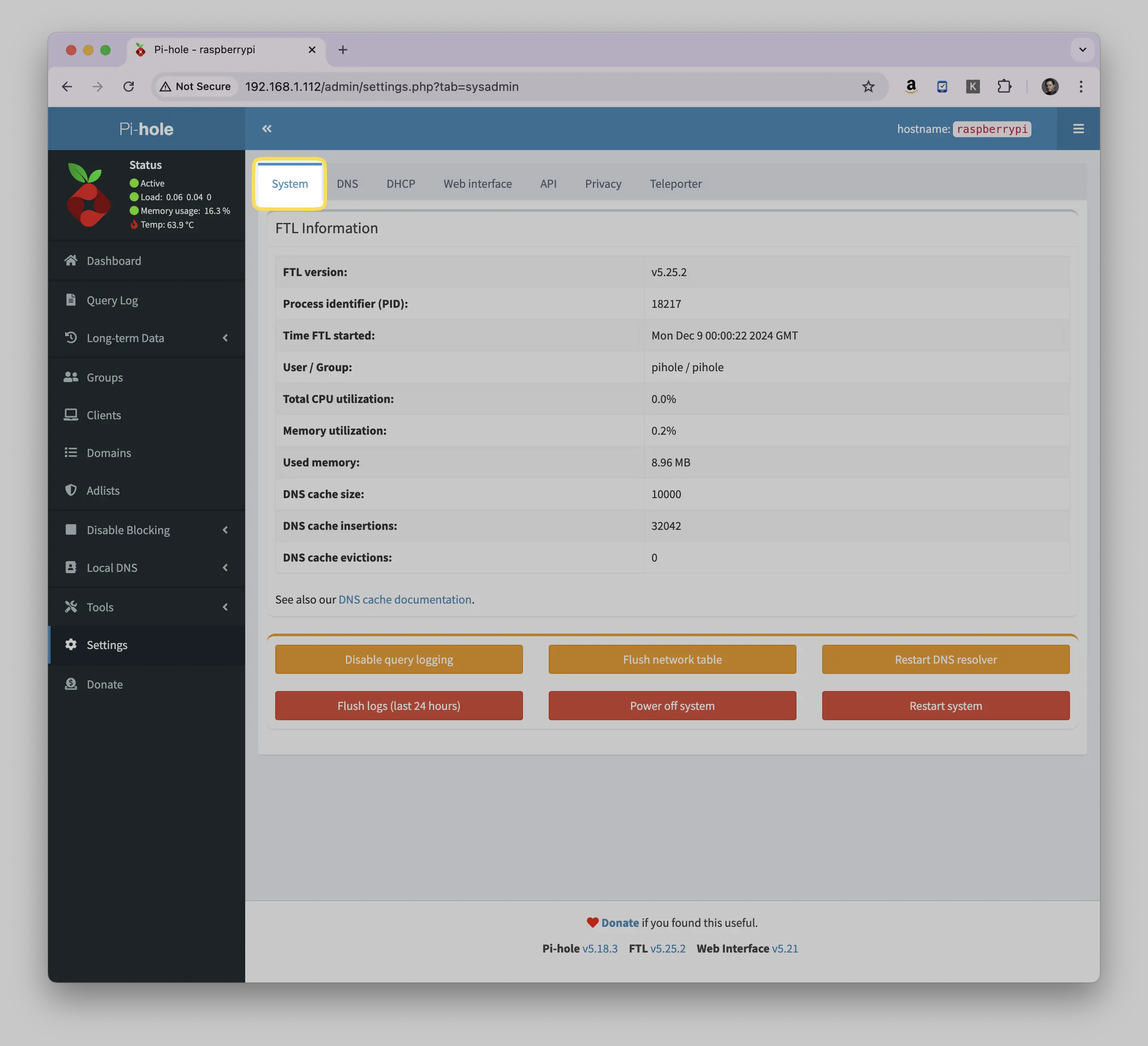
- Update Pi-hole:
- Scroll down to the Pi-hole Updates section.
- Click the Update Pi-hole button if an update is available.
Updating Pi-hole via the command line
SSH into your Pi-hole server or open a terminal if you’re directly connected.
Run the command pihole -up.
You can verify the update is complete, or check the version by using the command: pihole -v
Something here not working for you? Ask in the community — other makers and the Little Bird team read it.
