

Gravity database management
DNS Management
In the realm of Pi-hole, the network-wide ad blocker, Gravity acts as a central repository—a digital library of sorts—that stores all the domains Pi-hole should block. Think of it as the master index of a vast library, carefully cataloging which web addresses should be prevented from reaching your devices.
The Gravity database is maintained through what Pi-hole calls the "gravity.db" file, akin to an ever-growing encyclopedia. This SQLite database holds several critical collections of information:
The first and most important is the blocklist—imagine it as volumes of banned addresses, carefully curated from various trusted sources across the internet. When you add a blocklist to Pi-hole, it's like adding a new chapter to this book of forbidden domains.
There's also the whitelist section—a carefully maintained register of domains that should always be allowed through, even if they appear in the blocklist. Think of these as the "diplomatic immunity" list of the digital world.
Finally, there's the blacklist—your personal additions to the blocked domains, like handwritten notes in the margins of this grand book of filtering rules.
The beauty of Gravity lies in how it periodically updates itself through a process called "gravity update," much like a library receiving new editions of its books. This ensures your Pi-hole always has the latest information about which domains to block.
When a device on your network makes a DNS query, Pi-hole consults this database with lightning speed, making split-second decisions about whether to allow or deny the request, much like a vigilant librarian checking if a book is available for lending.
Updating the Gravity Database
You can upgrade the gravity database by either using the command line or the web admin.
Updating via the command line
Use pihole -g to update the gravity database using the command line.
Updating via the Web Admin
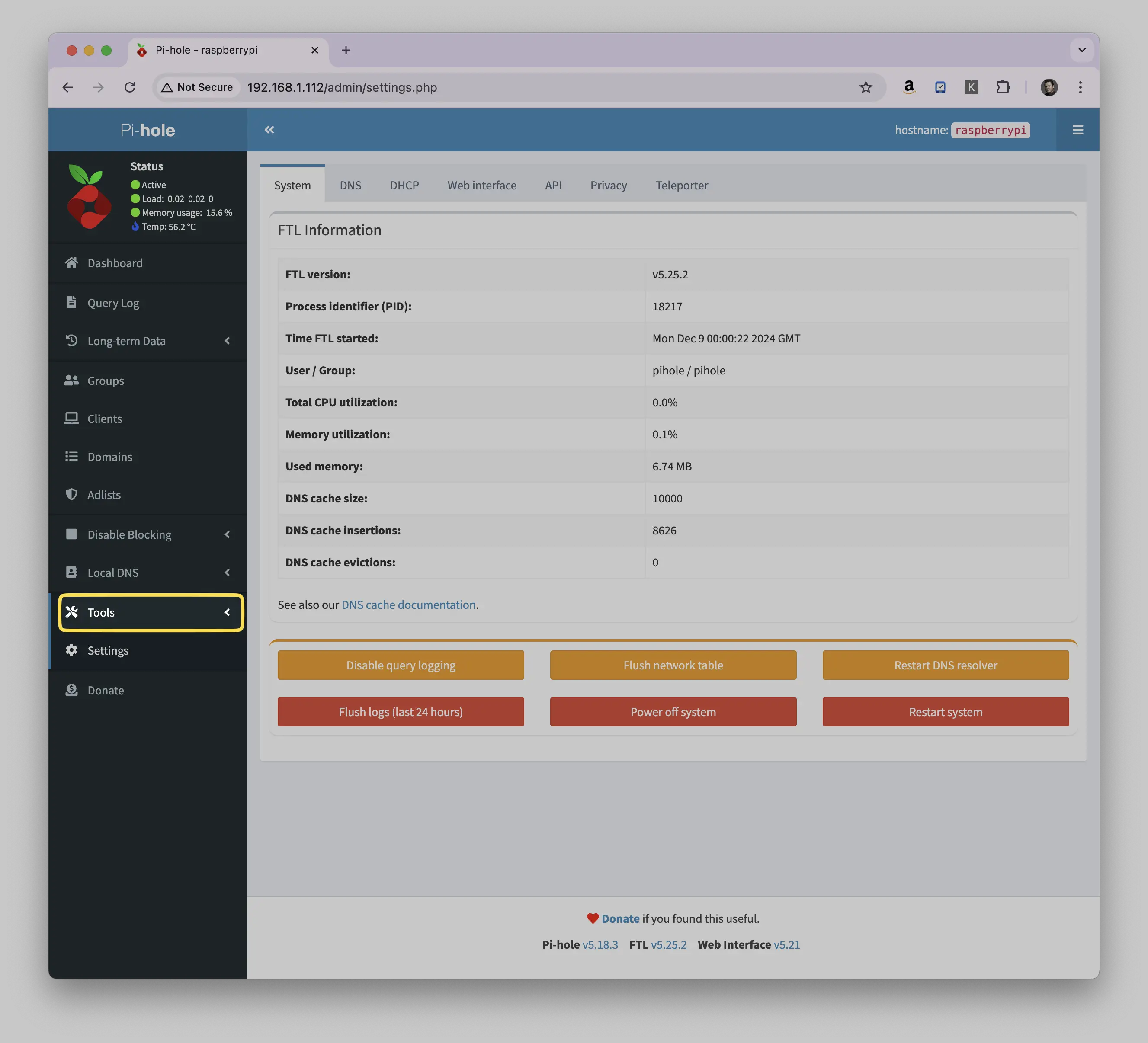
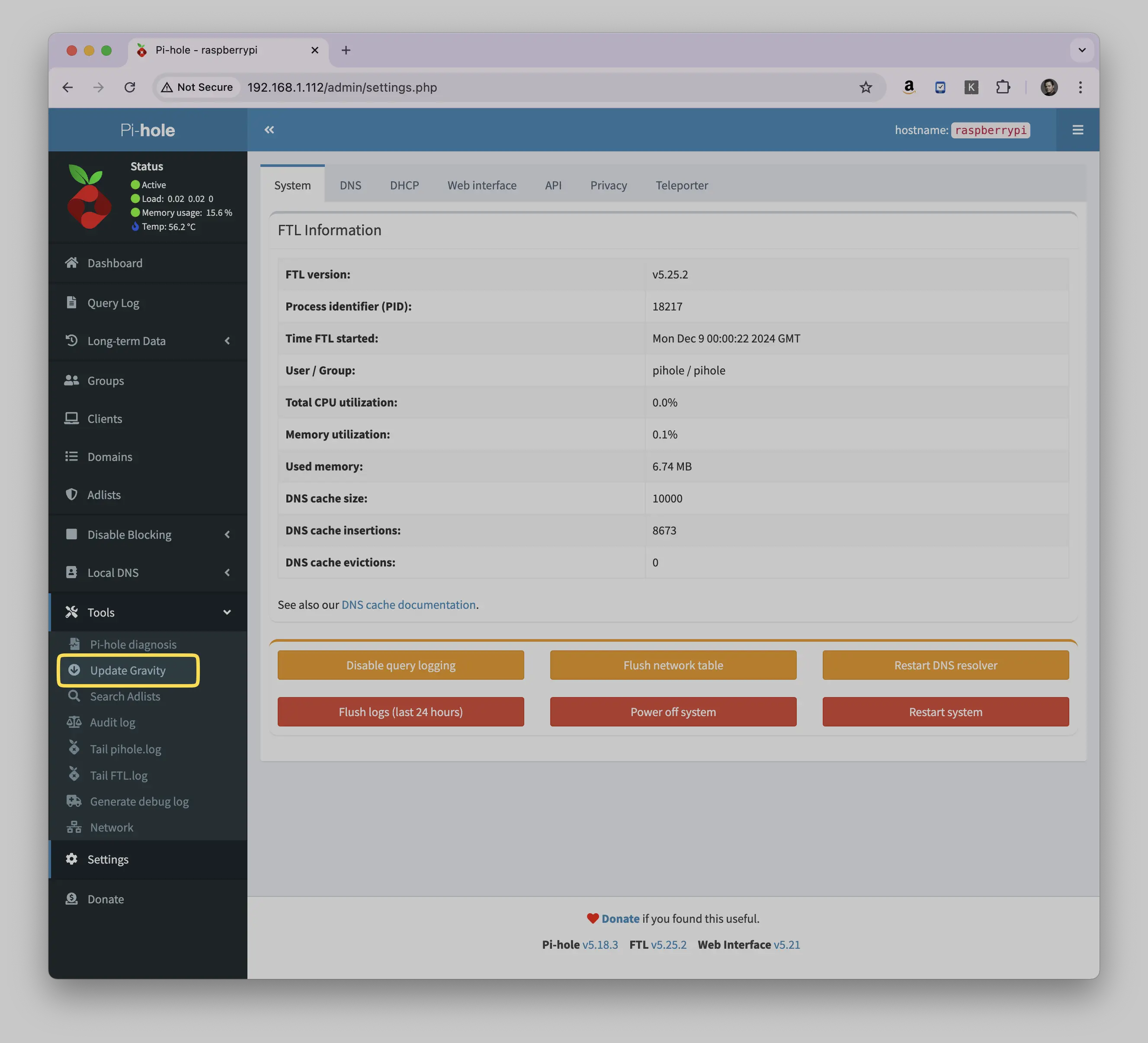
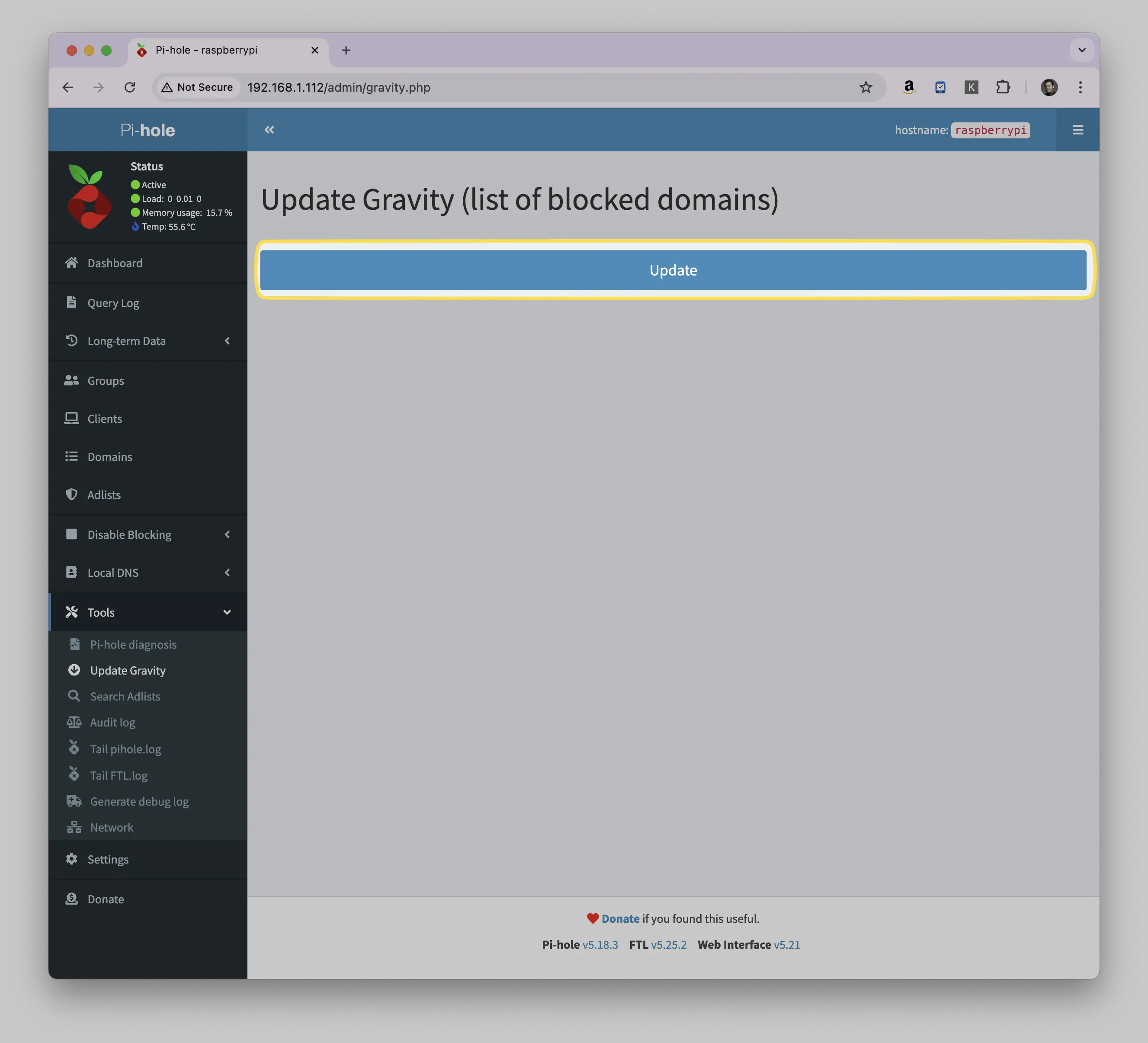
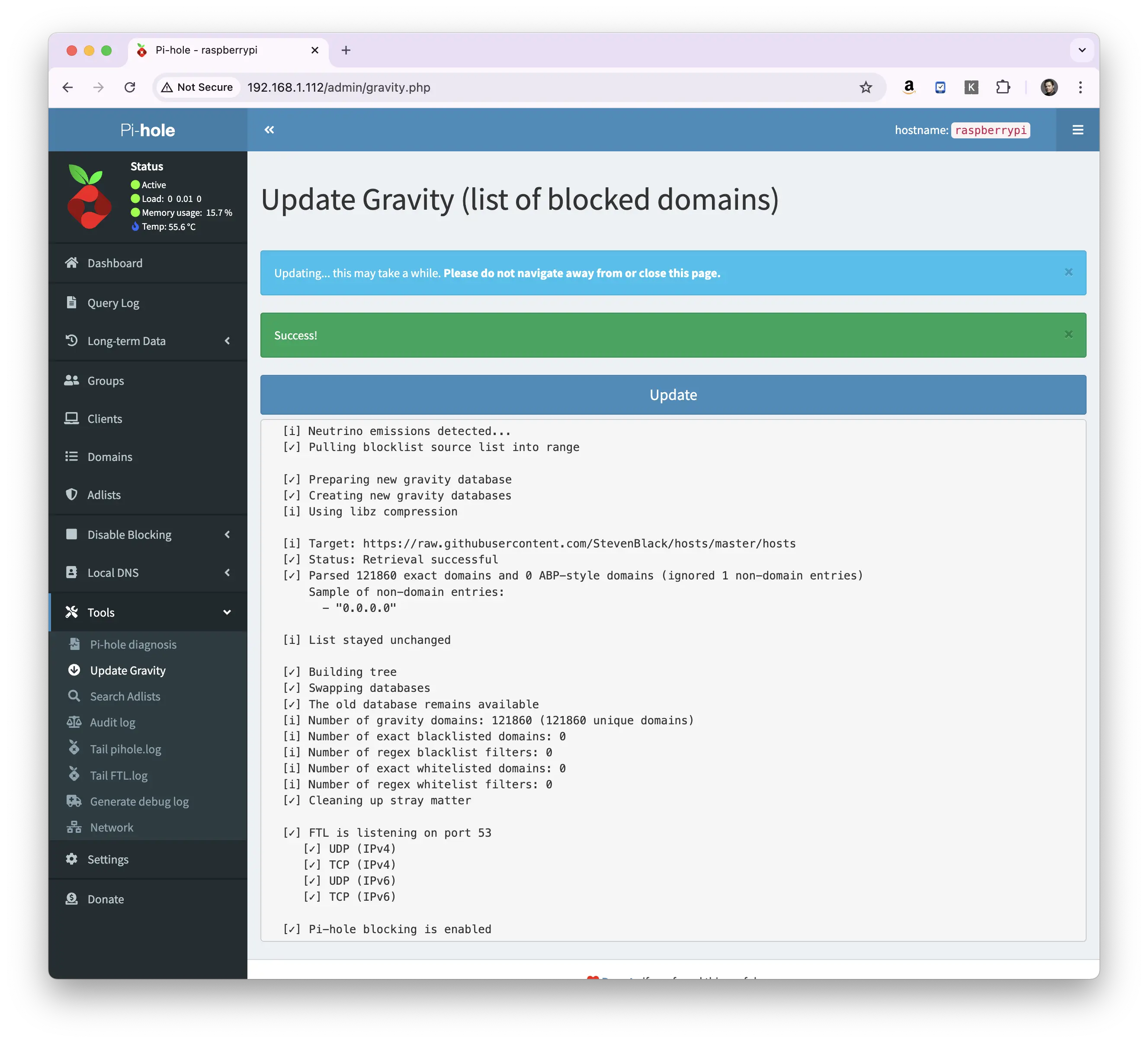
You can upgrade the gravity database using the Web Admin. Simply navigate to Tools → Update Gravity and click the Update Gravity button.
Something here not working for you? Ask in the community — other makers and the Little Bird team read it.
