

All Products
Showing 1-18 of 18 products
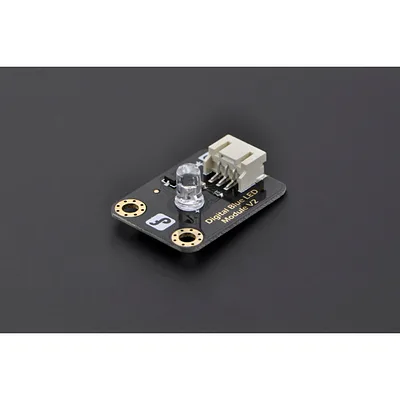
Gravity: Digital Blue LED Light Module
This Blue LED light module has a shiny white color. It is ideal for Arduino starters. This module can be easy to be plugged on IO/Sensor expansion shield. NOTE: This LED is wired to light up when the Signal pin is set to low. The reason for this is to prevent the LED from demanding too m...
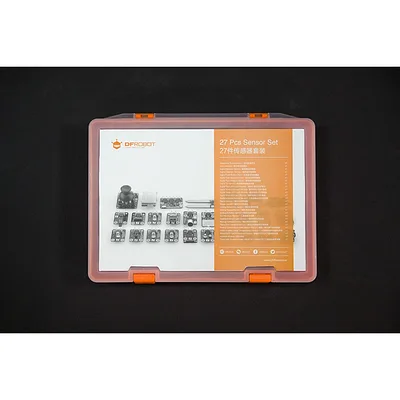
Gravity: 27 Pcs Arduino Sensor Kit
INTRODUCTION If you want to start playing with sensors, this sensor kit for arduino will be the perfect choice for you to get started. It comes with bundle of the most popular DFRobot sensors such as light sensors, gas sensors, sound sensors, touch sensors, distance sens...
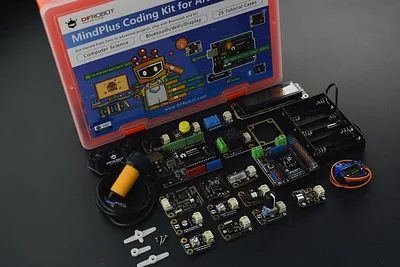
MindPlus Coding Kit for Arduino
MindPlus Coding Kit for Arduino is a set of tools for programming learning. As its compatibility for Mind+, a graphical coding software for starters, and Arduino IDE, this kit is well applicable to students from the lower grade to the higher grade. It comes with an Arduino Uno R3 mainboard and a ...
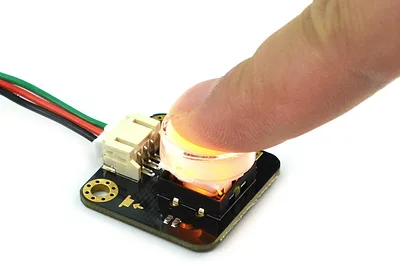
Gravity LED Button for Arduino/micro:bit - Yellow
·
This LED-illuminated button module is a simple digital switch with a transparent cap and a yellow light. It works like a basic button, but the internal LED turns on while the button is pressed, giving clear visual feedback for interactive projects.When pressed down, the module outputs High and th...
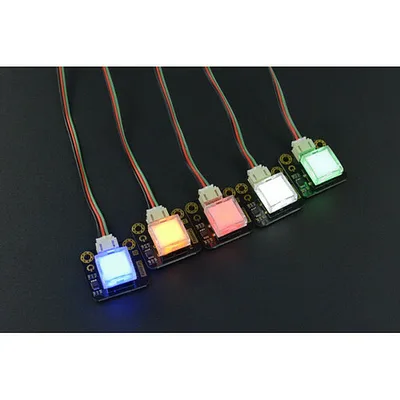
Gravity: LED Switch x 5 Pack
This is a simple LED-illuminated self-lock switch button. It’s just like a basic switch button, but it lights up color(red/yellow/green/blue/white) when pressed down, which gives you visual feedback. These little buttons can be used with micro:bit to realize various fun interactive projects, such...
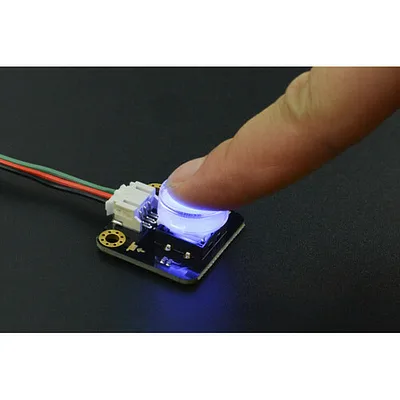
Gravity: LED Button - Blue
This is a simple LED-illuminated switch button with a transparent cap. It’s just like a basic switch button, but it lights up color(red/ yellow/ green/ blue/ white) when pressed down, which gives you visual feedback. These little buttons can be used with micro:bit to realize various fun interacti...
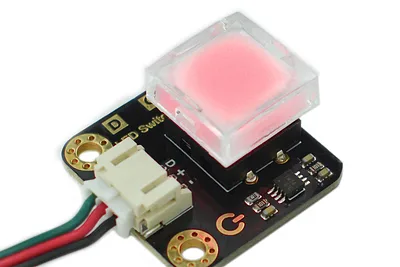
Gravity LED Self-Locking Switch - Red
·
This illuminated pushbutton module is a simple self-locking switch with a built-in red LED for clear visual feedback. Press it once and the module outputs High while the LED turns on; press it again and the output goes Low while the LED turns off.It is designed for easy use in Arduino, micro:bit ...
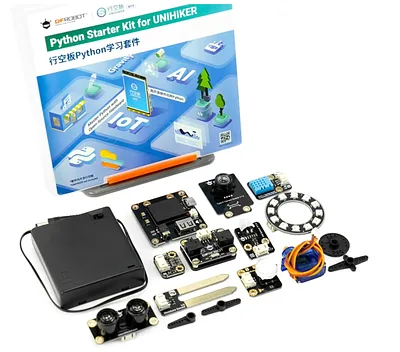
Python Starter Kit for UNIHIKER M10 (Learn AI & IoT with 15 Lessons)
This expansion ecosystem transforms the UNIHIKER M10 single-board computer into a fully functional AIoT development station. By leveraging the modular DFRobot Gravity interface, the kit allows for the seamless integration of over 16 distinct environmental monitors, vision peripherals, and intera...
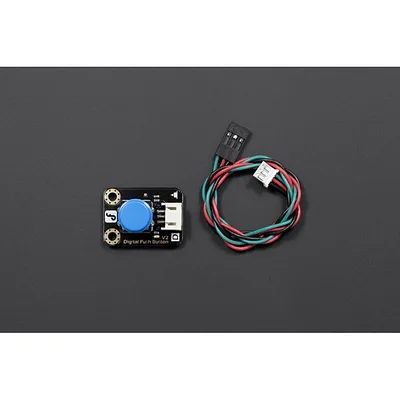
Gravity: Digital Push Button (Blue)
The Gravity Digital Push Button (Blue) is a simple momentary push button module designed for the DFRobot Gravity interface. It features an onboard LED indicator, immersion gold PCB surface, and a coloured button cap. A "D" marking on the board identifies it as a digital sensor for quick wiring re...
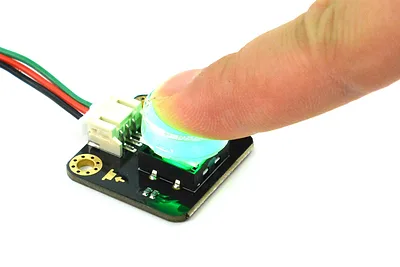
Gravity LED Button Module for Arduino/micro:bit - Green
·
This compact illuminated push-button module adds a simple, visible input to interactive electronics, classroom prototypes and maker projects. A transparent cap shows the integrated LED, which lights as soon as the button is pressed for clear visual feedback.It uses the Gravity PH2.0-3P connector ...
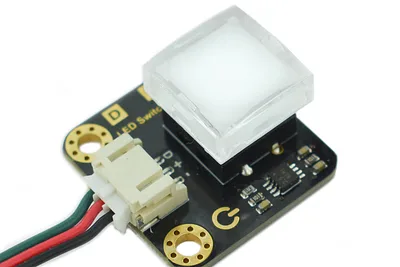
Gravity LED Switch Module - White
·
This compact illuminated push-button module combines a tactile switch with a built-in white LED indicator, making it handy for interactive electronics, prototypes and embedded control panels.The switch outputs a digital HIGH/LOW signal and runs from +3.3-5V, so it suits common development boards ...
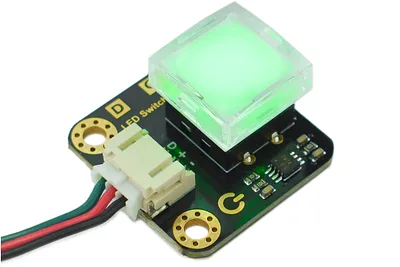
DFRobot Gravity LED Switch Module - Green
·
This compact illuminated push-button module combines a tactile switch with a built-in green LED indicator, making it handy for interactive electronics, control panels and classroom builds.It uses a self-locking toggle action rather than a momentary press. Press the button once and the output goes...
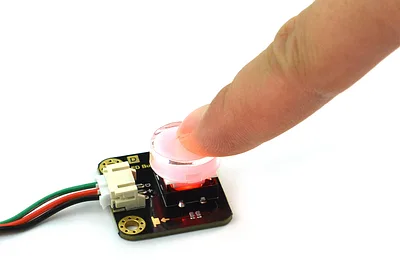
Gravity LED Button for Arduino and micro:bit - Red
·
This compact illuminated push-button module is designed for interactive electronics and quick prototyping. A transparent cap sits over an internal red LED, giving instant visual feedback when the button is pressed.The module provides a simple digital output for microcontroller input detection: wh...
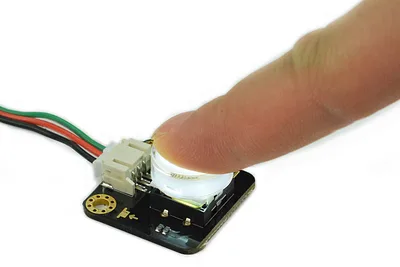
DFRobot Gravity LED Button for Arduino and micro:bit - White
·
This Gravity LED button is a simple illuminated push button with a transparent cap, designed for interactive Arduino and micro:bit projects. When the button is pressed, the internal white LED turns on to provide clear visual feedback.The module behaves like a basic digital switch: when pressed do...
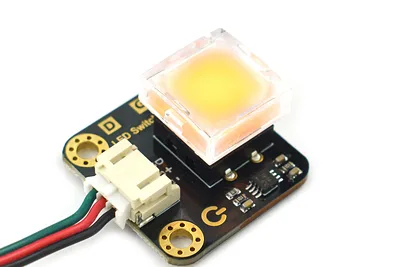
DFRobot Gravity LED Self-Locking Switch - Yellow
·
This illuminated latching push button combines a tactile switch with a built-in yellow indicator LED, making it easy to add clear on/off control to interactive electronics and educational prototypes.When the button is pressed down, the module self-locks, outputs High and lights the LED. Pressing ...
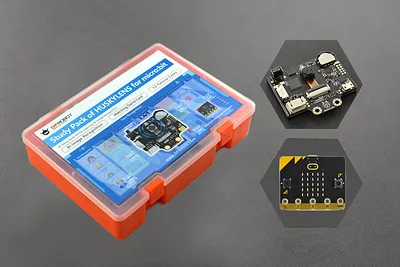
HUSKYLENS Study Pack with micro:bit V2
·
This kit bundles a HUSKYLENS AI vision smart sensor, a micro:bit V2 board and the matching Study Pack for classroom-friendly image recognition projects. It is based around micro:bit programming and is designed to help students explore the eight HUSKYLENS functions through hands-on lessons.The stu...
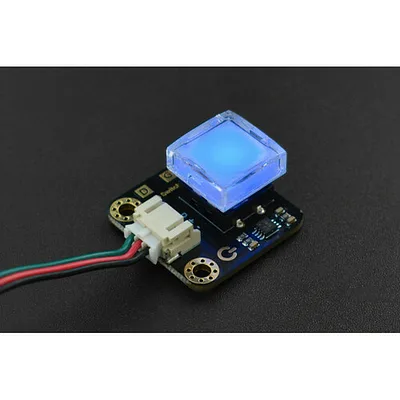
Gravity: LED Switch - Blue
This is a simple LED-illuminated self-lock switch button. It’s just like a basic switch button, but it lights up color(red/yellow/green/blue/white) when pressed down, which gives you visual feedback. These little buttons can be used with micro: bit to realize various fun interactive projects, suc...
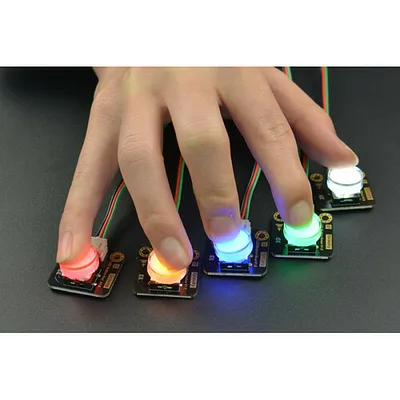
Gravity: LED Button x 5 Pack
A pack of five LED-illuminated push buttons in the DFRobot Gravity format. Each button lights up a different colour (red, yellow, green, blue, and white) when pressed, providing clear visual feedback. The digital output goes HIGH when pressed and LOW when released, making them simple to read with...
