

All Products
Showing 1-12 of 12 products
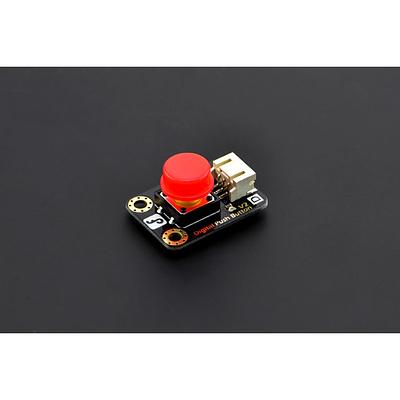
Gravity: Digital Push Button (Red)
Press to release pleasure! Our redesigned digital push buttons come with LED, immersion gold surface, and bright colored hats. A captital D at left corner indicates that it is a digital sensor. An illustration of button painted in the back notifying its function. Pressing it is a real fun, esp...
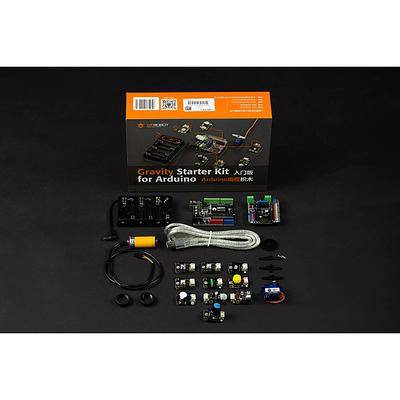
Gravity: Starter Kit for Arduino
The Gravity Starter Kit for Arduino is a plug-and-play electronics toolkit designed for beginners and makers getting started with the Arduino platform. It includes a DFRduino UNO R3 microcontroller (fully compatible with Arduino UNO) along with 12 popular sensors and components from DFRobot's Gra...
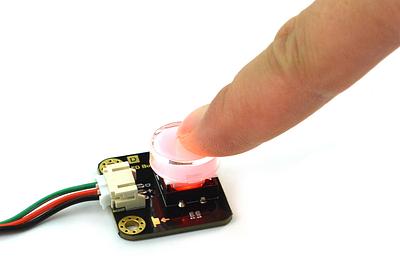
Gravity LED Button for Arduino and micro:bit - Red
·
This compact illuminated push-button module is designed for interactive electronics and quick prototyping. A transparent cap sits over an internal red LED, giving instant visual feedback when the button is pressed.The module provides a simple digital output for microcontroller input detection: wh...
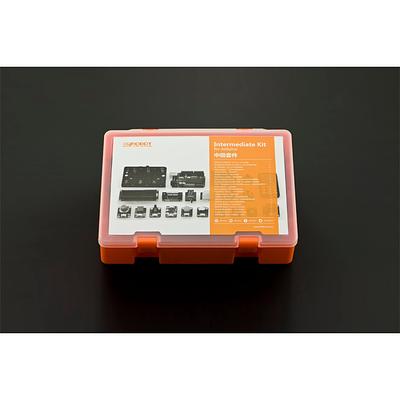
Gravity: Intermediate(advanced) Kit for Arduino
The DFRobot Gravity Intermediate Kit for Arduino takes you beyond the basics with a comprehensive set of sensors, modules, and an Arduino-compatible board. Starting with simple LED projects and progressing to more complex builds like a mini electronic drum kit, sound-activated LED, and digital di...
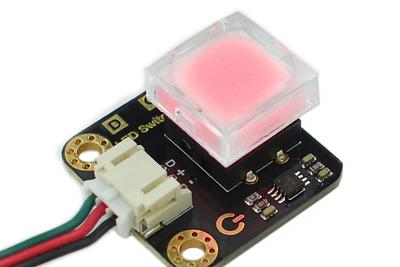
Gravity LED Self-Locking Switch - Red
·
This illuminated pushbutton module is a simple self-locking switch with a built-in red LED for clear visual feedback. Press it once and the module outputs High while the LED turns on; press it again and the output goes Low while the LED turns off.It is designed for easy use in Arduino, micro:bit ...
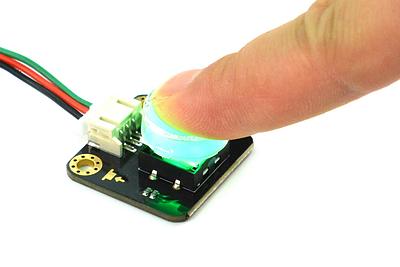
Gravity LED Button Module for Arduino/micro:bit - Green
·
This compact illuminated push-button module adds a simple, visible input to interactive electronics, classroom prototypes and maker projects. A transparent cap shows the integrated LED, which lights as soon as the button is pressed for clear visual feedback.It uses the Gravity PH2.0-3P connector ...
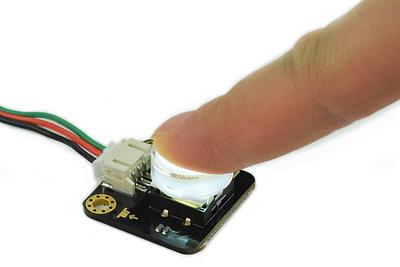
DFRobot Gravity LED Button for Arduino and micro:bit - White
·
This Gravity LED button is a simple illuminated push button with a transparent cap, designed for interactive Arduino and micro:bit projects. When the button is pressed, the internal white LED turns on to provide clear visual feedback.The module behaves like a basic digital switch: when pressed do...
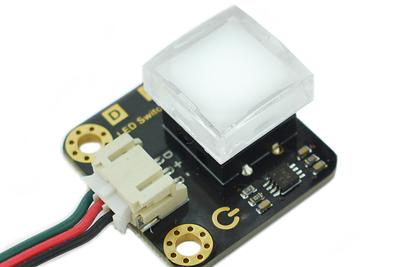
Gravity LED Switch Module - White
·
This compact illuminated push-button module combines a tactile switch with a built-in white LED indicator, making it handy for interactive electronics, prototypes and embedded control panels.The switch outputs a digital HIGH/LOW signal and runs from +3.3-5V, so it suits common development boards ...
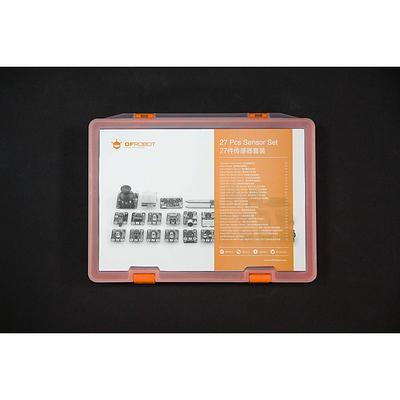
Gravity: 27 Pcs Arduino Sensor Kit
INTRODUCTION If you want to start playing with sensors, this sensor kit for arduino will be the perfect choice for you to get started. It comes with bundle of the most popular DFRobot sensors such as light sensors, gas sensors, sound sensors, touch sensors, distance sens...
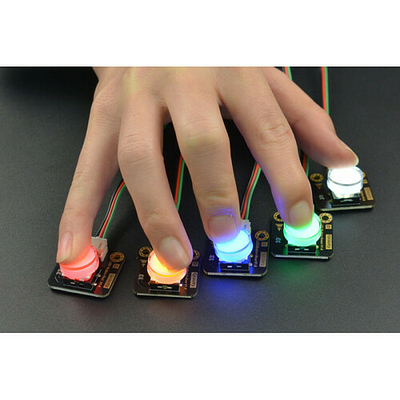
Gravity: LED Button x 5 Pack
A pack of five LED-illuminated push buttons in the DFRobot Gravity format. Each button lights up a different colour (red, yellow, green, blue, and white) when pressed, providing clear visual feedback. The digital output goes HIGH when pressed and LOW when released, making them simple to read with...
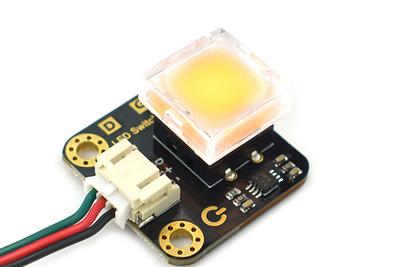
DFRobot Gravity LED Self-Locking Switch - Yellow
·
This illuminated latching push button combines a tactile switch with a built-in yellow indicator LED, making it easy to add clear on/off control to interactive electronics and educational prototypes.When the button is pressed down, the module self-locks, outputs High and lights the LED. Pressing ...
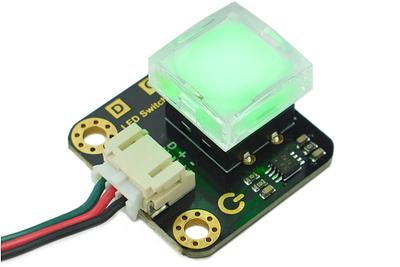
DFRobot Gravity LED Switch Module - Green
·
This compact illuminated push-button module combines a tactile switch with a built-in green LED indicator, making it handy for interactive electronics, control panels and classroom builds.It uses a self-locking toggle action rather than a momentary press. Press the button once and the output goes...
