

1602 LCD Keypad Shield For Arduino
74 units available with a short lead time.
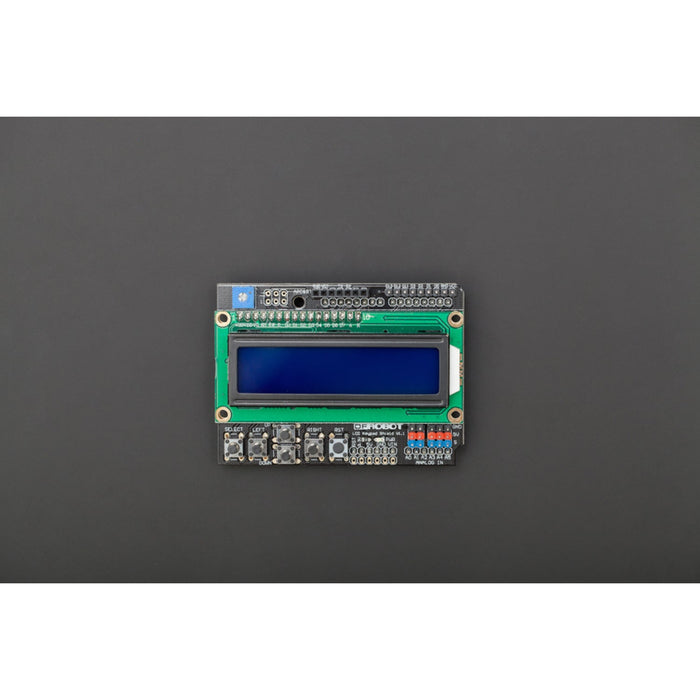
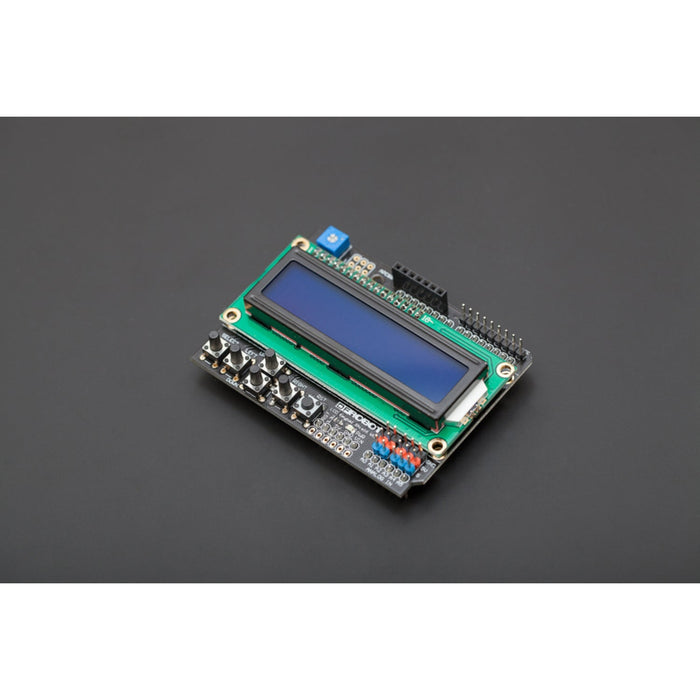
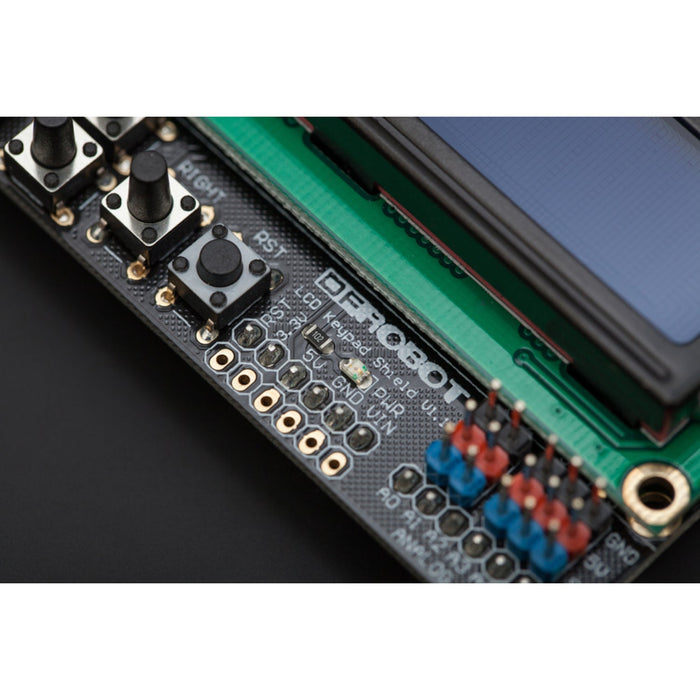
A popular LCD and button input shield for Arduino that combines a 16×2 character display with five navigation buttons and a reset button on a single board. Ideal for adding a menu-driven user interface to your project without needing a separate screen and button wiring.
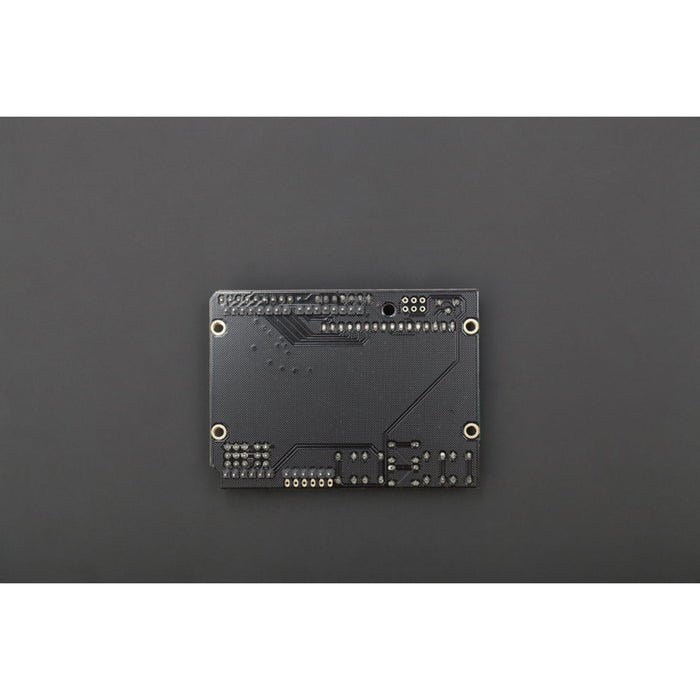
All five buttons are read through a single analogue pin (A0) using a voltage divider, leaving most of your digital and analogue I/O pins free for sensors and other peripherals. The shield also includes an APC/Bluetooth header for connecting wireless communication modules.
Key Features
- 16×2 Character LCD – White text on blue backlight, HD44780-compatible
- 5 Navigation Buttons – Select, Up, Down, Left, and Right for menu control
- Single Analogue Pin Input – All buttons read via A0, conserving I/O pins
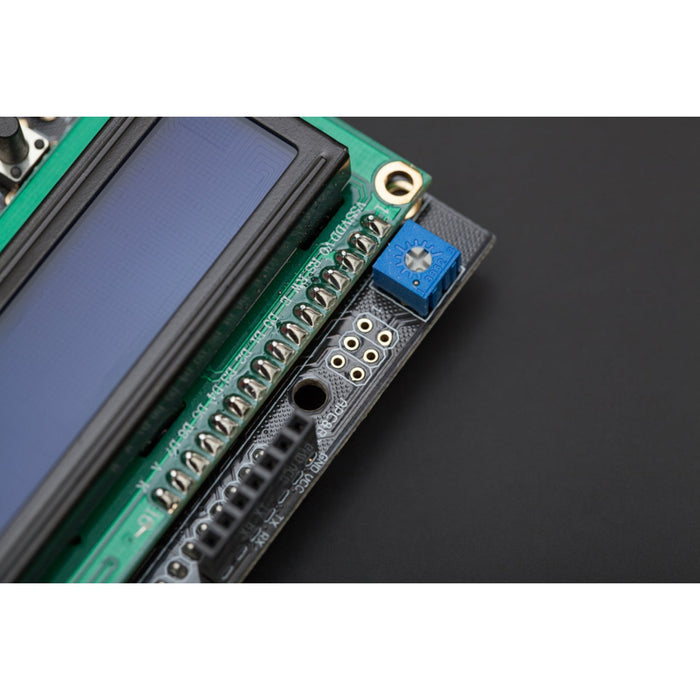
- Contrast Adjustment – On-board potentiometer for display contrast tuning
- Backlight Control – Backlight on/off via D10
- Reset Button – Dedicated button to restart your Arduino program
- Expanded Analogue Pinout – DFRobot colour-coded headers for quick sensor connections
- Wireless Header – APC/Bluetooth socket for wireless module connectivity
Specifications
- Operating Voltage – 5V
- LCD Pins – D4–D7 (data), D8 (RS), D9 (Enable), D10 (Backlight)
- Button Input – Analogue Pin A0
- Dimensions – 80 × 58 mm
Ideal For
- Menu-driven interfaces for Arduino projects
- Displaying sensor readings with on-board navigation
- Prototyping and debugging without a connected computer
- 3D printer control panels and DIY instruments
Package Contents
- 1× LCD Keypad Shield for Arduino
Resources
The 1602 LCD Keypad Shield For Arduino appears in the following collections: