

Arduino Leonardo
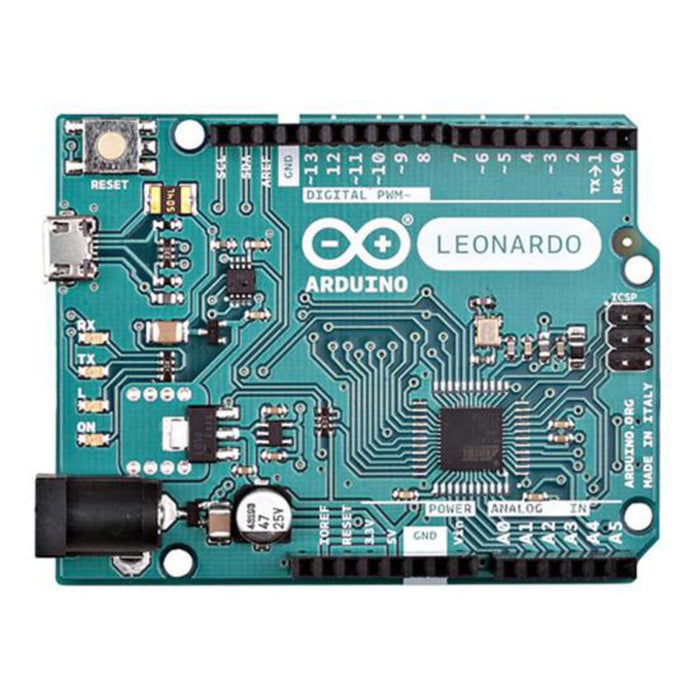
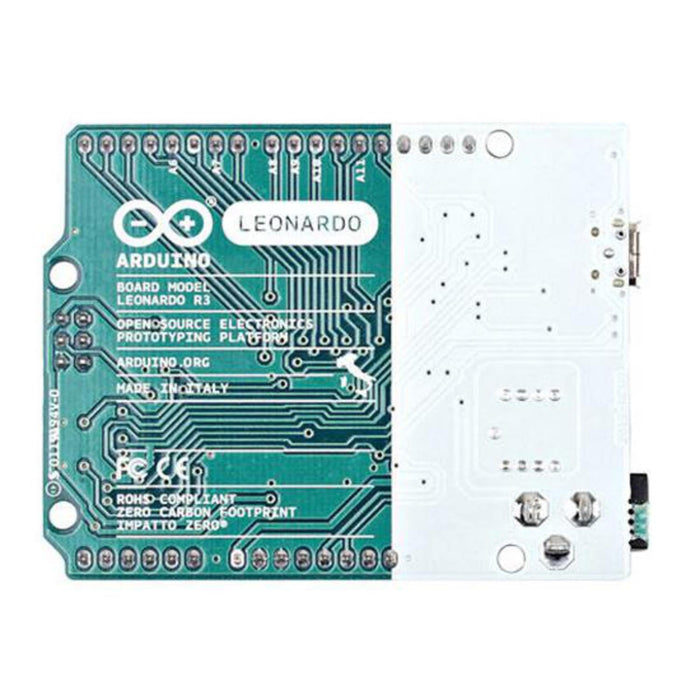
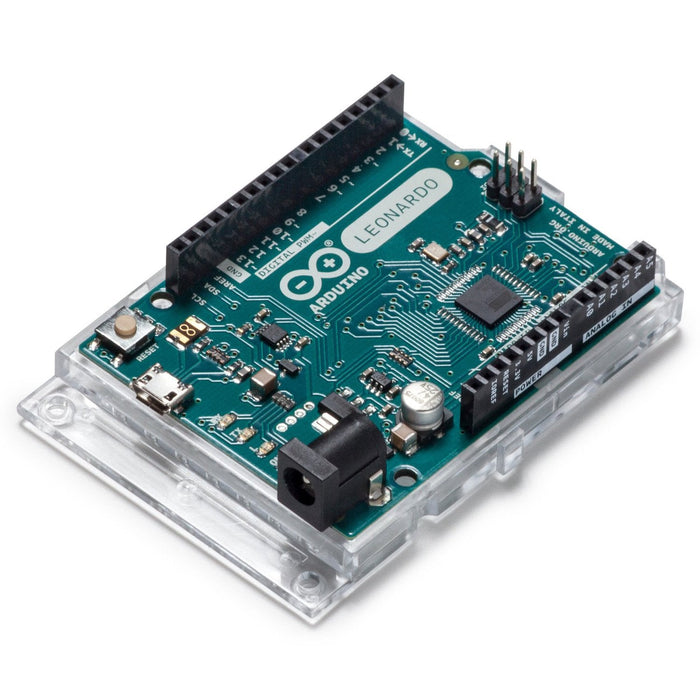
The Arduino Leonardo is a microcontroller board based on the ATmega32U4. Unlike previous Arduino boards, the ATmega32U4 has built-in USB communication, allowing the Leonardo to appear as a mouse and keyboard to a connected computer — in addition to a virtual serial/COM port.
With 20 digital I/O pins, 12 analog inputs, and 7 PWM channels, the Leonardo is well-suited for interactive projects. Simply connect it to a computer via micro USB cable, or power it with an external supply to get started.
Key Features
- Native USB – Built-in USB on the ATmega32U4 allows the board to emulate a keyboard, mouse, or serial device
- 20 Digital I/O Pins – 7 usable as PWM outputs, with 40mA per pin
- 12 Analog Inputs – 10-bit resolution (1024 values) on pins A0–A11
- Multiple Communication Protocols – UART, I2C (TWI), and SPI support
- USB Overcurrent Protection – Resettable polyfuse protects your computer's USB ports
- Open-Source Hardware – Schematics and Eagle files freely available
Specifications
- Microcontroller – ATmega32U4
- Operating Voltage – 5V
- Input Voltage – 7–12V recommended (6–20V limits)
- Digital I/O Pins – 20
- PWM Channels – 7
- Analog Input Channels – 12
- DC Current per I/O Pin – 40mA
- DC Current for 3.3V Pin – 50mA
- Flash Memory – 32KB (4KB used by bootloader)
- SRAM – 2.5KB
- EEPROM – 1KB
- Clock Speed – 16MHz
- Board Dimensions – 68.6 × 53.3 mm
- Weight – 20g
Power Options
- Micro USB – Connect directly to a computer for power and programming
- External Power Jack – 2.1mm centre-positive plug, 7–12V recommended
- VIN Pin Header – Supply voltage via the power connector pins
Ideal For
- USB HID projects (custom keyboards, mice, game controllers)
- Interactive installations and MIDI controllers
- General-purpose electronics prototyping
- Learning embedded programming with Arduino
Package Contents
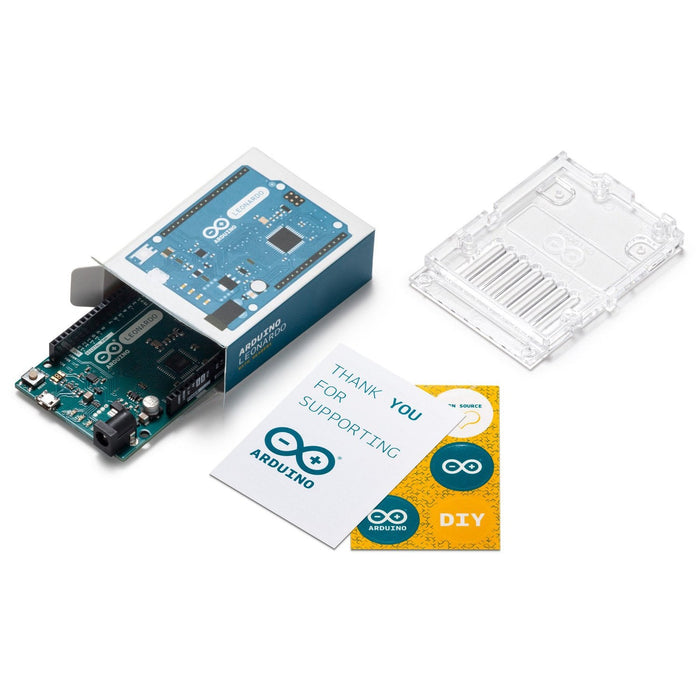
- 1× Arduino Leonardo
Resources
The Arduino Leonardo appears in the following collections:
SKU PI-A000057
by Little Bird