

Registering to Order by Purchase Order
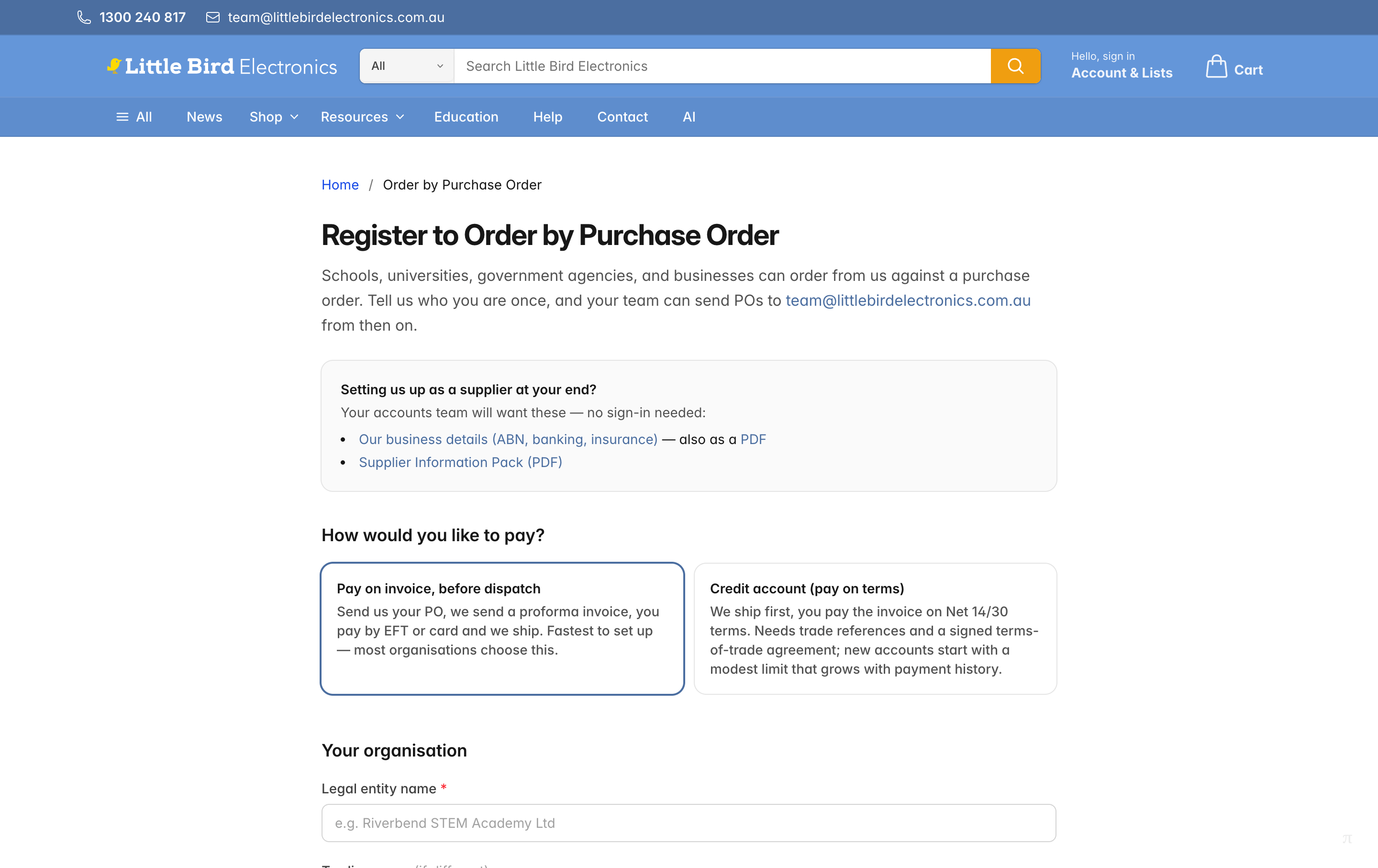
Schools, universities, government agencies, and businesses can order from us against a purchase order. Register once at littlebirdelectronics.com.au/purchase-orders/register, and from then on your team simply emails POs to team@littlebirdelectronics.com.au.
What You'll Need
- Your organisation's legal name and ABN (we validate the ABN as you go, so a typo is caught immediately).
- Your registered address, and a delivery address if it's different.
- Your accounts payable contact — the person we send invoices and statements to — plus, optionally, the person who'll raise the orders.
That's the whole list if you're paying before dispatch. Applying for a credit account adds a few more items — see below.
Choose How You'd Like to Pay
The first question on the form decides everything else:
- Pay on invoice, before dispatch. Send us your PO, we reply with a proforma invoice, you pay by EFT or card, and we ship. This is the fastest to set up — most organisations choose it, and approval is usually same-day.
- Credit account (pay on terms). We ship first and you pay the invoice on Net 14 or Net 30 terms. Because this is a credit arrangement, it needs references and a signed agreement, and takes a few business days to open.
Applying for a Credit Account
If you pick the credit option, the form expands to collect what a credit decision actually needs:
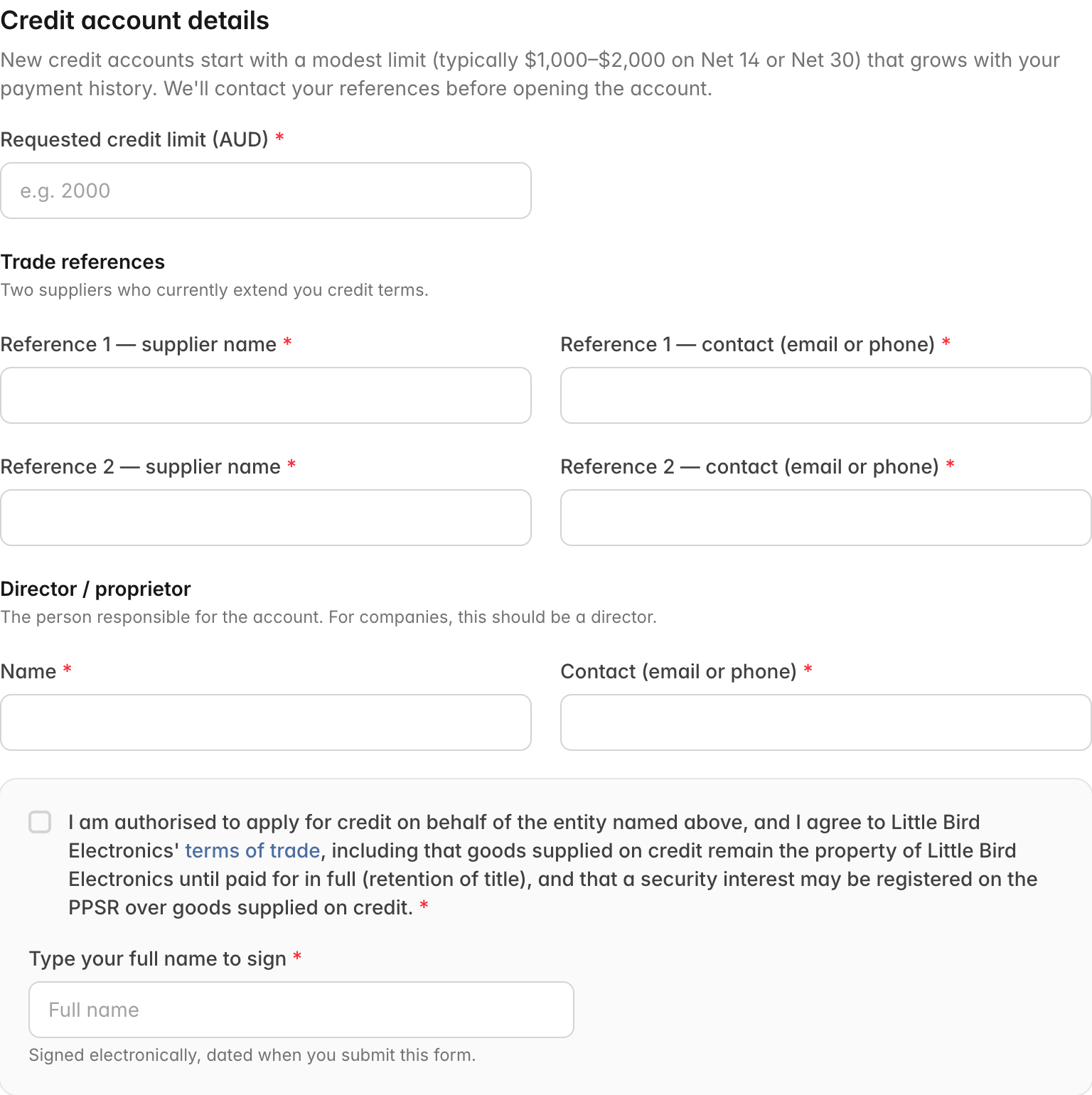
- Requested credit limit. New accounts start with a modest limit — typically $1,000–$2,000 — that grows with your payment history.
- Two trade references — suppliers who currently extend you credit terms. We'll contact them before opening the account.
- A director or proprietor contact — the person responsible for the account.
- Agreement to our terms of trade, signed by typing your full name. The terms include retention of title (goods supplied on credit remain ours until paid for in full) and that a security interest may be registered on the PPSR over goods supplied on credit. The signature is dated automatically when you submit.
While we check your references, you can still order straight away on the prepay basis — email your PO and pay the proforma invoice before dispatch.
After You Submit
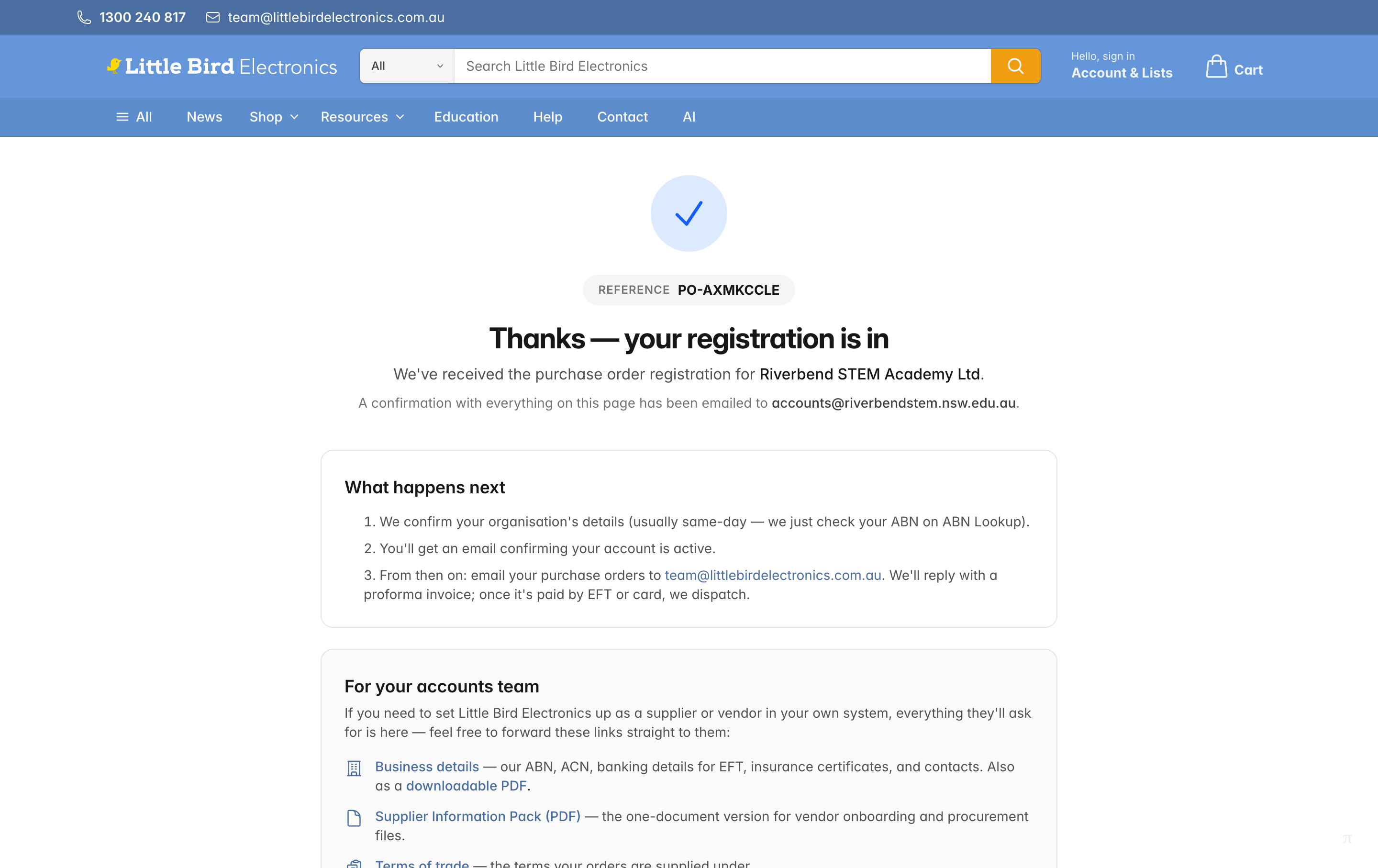
- You get an application reference (like
PO-AXMKCCLE) — quote it if you contact us about the application. - A confirmation email with everything on the page goes to your accounts payable contact (and the ordering contact, if you gave one).
- Prepay registrations are usually confirmed the same business day — we just verify your organisation's details on ABN Lookup.
- Credit applications take a few business days while we contact your trade references. You'll get an email confirming your limit and terms once the account is open.
For Your Accounts Team
Need to set Little Bird Electronics up as a supplier or vendor in your own system? Everything a procurement or accounts team asks for is published — no sign-in needed — and the same links are on your confirmation page and email, ready to forward:
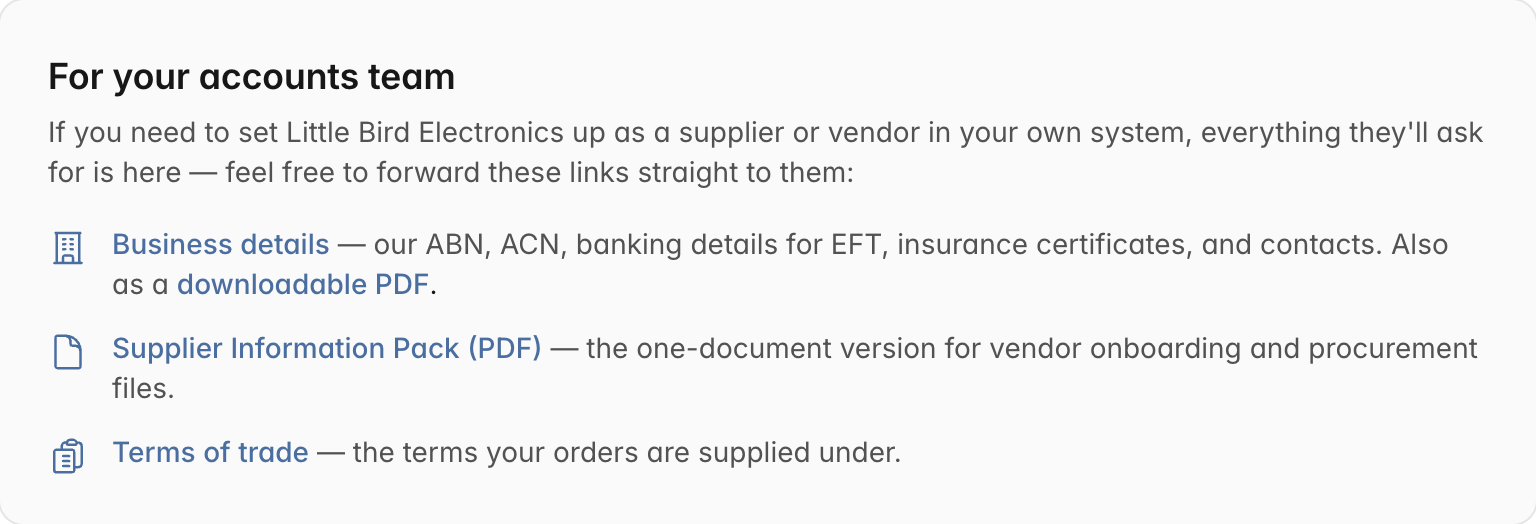
- Business details — our ABN, ACN, banking details for EFT, insurance certificates, and contacts, also as a downloadable PDF.
- Supplier Information Pack (PDF) — the one-document version for vendor onboarding and procurement files.
- Terms of trade — the terms your orders are supplied under.
Sending Your Purchase Orders
Once your account is confirmed, email POs to team@littlebirdelectronics.com.au. Handy companions:
- Build your basket on the site and export it as a quote to attach to your PO paperwork.
- Checking out on the website instead? You can add a PO number to a web order at checkout.
Already Set Up?
- Schools, universities, and government agencies with recognised education or government email domains can already choose purchase order at checkout — see Purchase Orders.
- Staff at companies with an account — if your employer has a company purchasing account with us, orders bill to your standing PO automatically. See ordering on your company's purchase order.
