

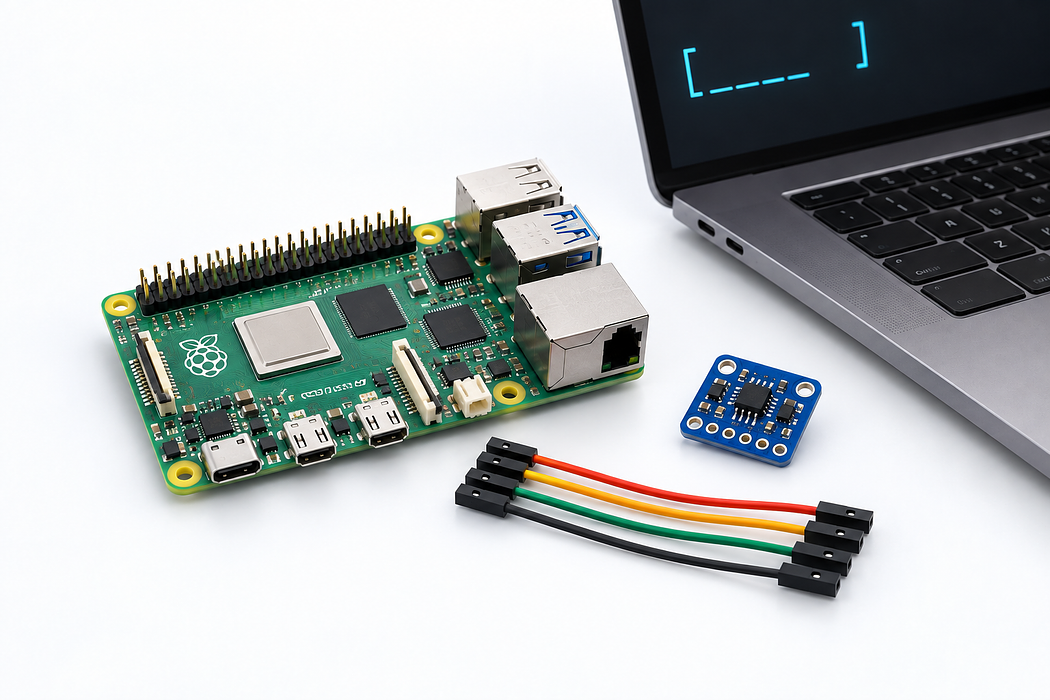
Enable I²C on a Raspberry Pi
Follow a recorded Raspberry Pi session, with narration and chapters you can explore at your own pace.
Watch I²C being enabled through raspi-config on a Raspberry Pi 5 running Raspberry Pi OS Bookworm. Pause to read the terminal, or open Chapters to jump to a specific action.
Step 1 — Enable I²C and check the interface
Press Play to follow the recorded session. Open Interface Options → I2C, choose Yes, then finish. The commands at the end verify the configuration and the I²C device. Narration, chapters and playback speed are available inside the player.
Loading recording…
Transcript
Here is how to enable I squared C on a Raspberry Pi. Open raspi-config and choose Interface Options. Select I two C, choose Yes, then confirm and finish. The final commands check that I two C is enabled, that the device is available, and that the pins are configured correctly.
