

Beginner
Active Cooler Fan with the Raspberry Pi 5
Learn how to put the active cooler fan on the Raspberry Pi 5!
By Cherie Tan
Get started with the official Raspberry Pi 5 Active Cooler Case.
In this guide, you will learn how to properly install the case to the Raspberry Pi.
This case integrates a fan for superior cooling, perfect for projects that push your Pi 5 to its limits!
In this guide, you will learn how to properly install the case to the Raspberry Pi.
This case integrates a fan for superior cooling, perfect for projects that push your Pi 5 to its limits!
In this guide, we'll walk you through the steps to set up and maximize the benefits of the Active Cooler case for your Raspberry Pi 5!
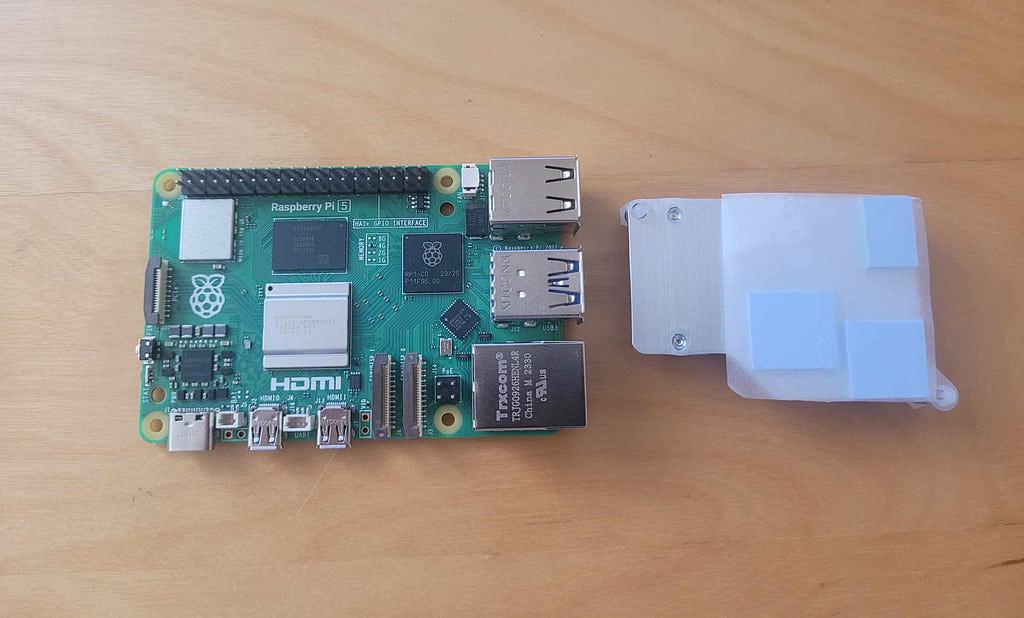
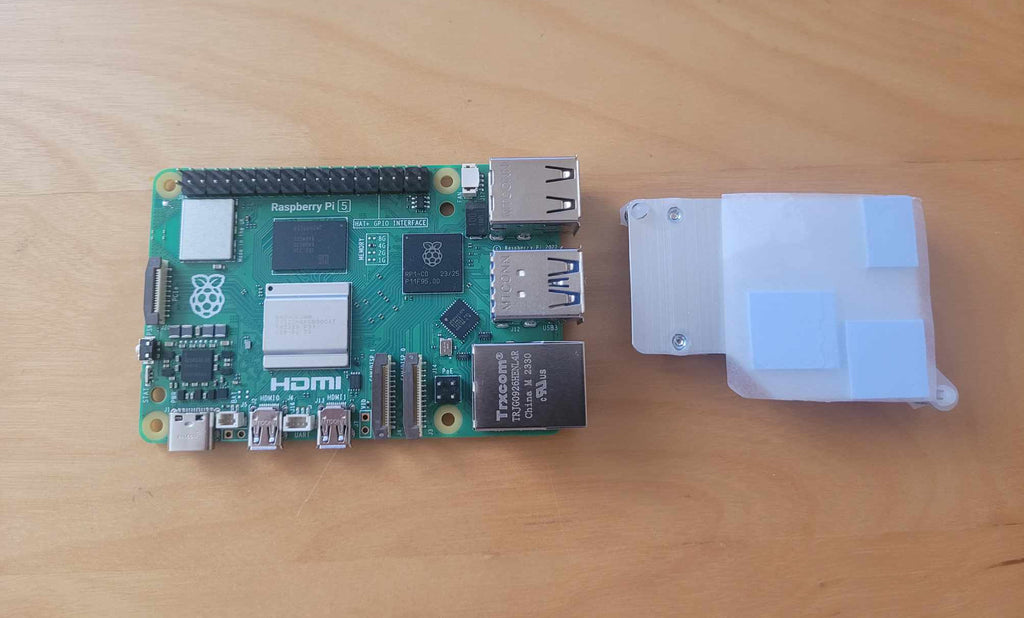
First, flip the active cooler case to the back, revealing three thermal pads.
First, flip the active cooler case to the back, revealing three thermal pads.
Step 1 — Attach thermal pads to Raspberry Pi 5
In this guide, we'll walk you through the steps to set up and maximize the benefits of the Active Cooler case for your Raspberry Pi 5!
First, flip the active cooler case to the back, revealing three thermal pads.
First, flip the active cooler case to the back, revealing three thermal pads.
