

All Products
Showing 1-20 of 46 products · 14 unavailable products hidden
![RGB backlight negative LCD 16x2 + extras [RGB on black]](/rails/active_storage/representations/redirect/BAh7BkkiC19yYWlscwY6BkVUewdJIglkYXRhBjsAVGkCl6ZJIghwdXIGOwBUSSIMYmxvYl9pZAY7AEY=--3aa20a71a70de0daa9dfdb4f75ef6b82a66999a7/BAh7BkkiC19yYWlscwY6BkVUewdJIglkYXRhBjsAVHsHOgtmb3JtYXRJIghqcGcGOwBUOhJyZXNpemVfdG9fZml0WwdpApABaQKQAUkiCHB1cgY7AFRJIg52YXJpYXRpb24GOwBG--4cc5678865497cdbcf7b02aee5242eda5f847322/image_fd407f01-ff35-4f2f-a484-a3eb4d47e448.jpg)
RGB backlight negative LCD 16x2 + extras [RGB on black]
This is a fancy upgrade to standard 16x2 LCDs, instead of just having blue and white, or red and black, this LCD has full color RGB characters on a dark/black background! That means you can change the character display colors to anything you want - red, green, blue, pink, white, purple yellow,...
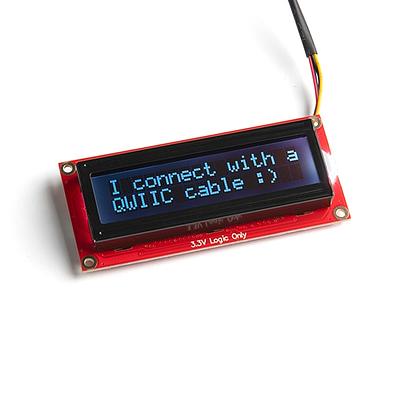
SparkFun 16x2 SerLCD - RGB Text (Qwiic)
The SparkFun 16×2 SerLCD is a serial-enabled LCD that provides a simple, cost-effective way to add an RGB-on-black liquid crystal display to your project. An on-board ATmega328P microcontroller handles all screen control, eliminating the need for a separate backpack board. The display supports t...
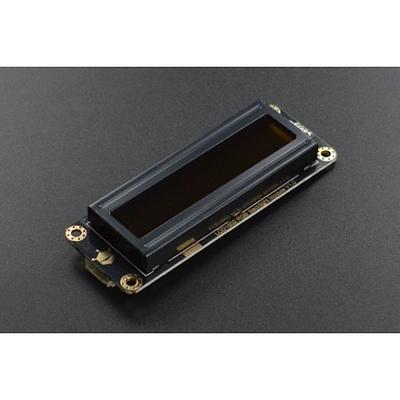
Gravity: I2C 16x2 Arduino LCD with RGB Font Display (Black)
The Gravity I2C 16×2 LCD features RGB font colours on a black background, allowing you to display text in any of 16 million colour combinations. Using the Gravity I2C interface, only two data lines are needed for both communication and backlight control. The display supports 2 rows of 16 charact...
![RGB LCD Shield Kit w/ 16x2 Character Display - Only 2 pins used! [NEGATIVE DISPLAY]](/rails/active_storage/representations/redirect/BAh7BkkiC19yYWlscwY6BkVUewdJIglkYXRhBjsAVGkCF7lJIghwdXIGOwBUSSIMYmxvYl9pZAY7AEY=--0883aa3da2556af503415e4369ac1ea4edea3f67/BAh7BkkiC19yYWlscwY6BkVUewdJIglkYXRhBjsAVHsHOgtmb3JtYXRJIghqcGcGOwBUOhJyZXNpemVfdG9fZml0WwdpApABaQKQAUkiCHB1cgY7AFRJIg52YXJpYXRpb24GOwBG--4cc5678865497cdbcf7b02aee5242eda5f847322/image_18e09e74-2f47-4aba-ac26-cce092db95a0.jpg)
RGB LCD Shield Kit w/ 16x2 Character Display - Only 2 pins used! [NEGATIVE DISPLAY]
This new Adafruit shield makes it easy to use a 16x2 Character LCD. We really like the RGB LCDs we stock in the shop both the RGB negative and RGB positive. Unfortunately, these LCDs do require quite a few digital pins, 6 to control the LCD and then another 3 to control the RGB backlight for a...
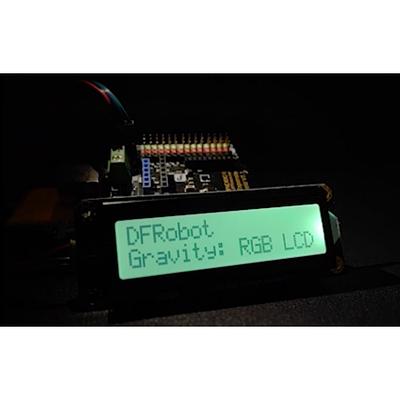
Gravity: I2C 16x2 Arduino LCD with RGB Backlight Display
A 16×2 character LCD module with full RGB backlight, communicating over I2C for minimal wiring. With support for 16 million backlight colours, this display adds a vibrant, customisable readout to your Arduino or compatible microcontroller projects using just four wires: VCC, GND, SDA, and SCL. P...
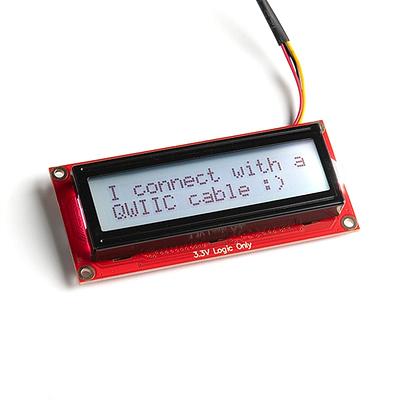
SparkFun 16x2 SerLCD - RGB Backlight (Qwiic)
The SparkFun SerLCD is an AVR-based, serial enabled LCD that provides a simple and cost effective solution for adding a 16x2 Black on RGB Liquid Crystal Display into your project. We've seriously overhauled the PCB design on the back of the screen by including an ATmega328P that handles all of th...
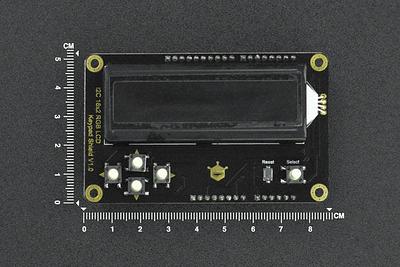
I2C RGB Backlight LCD 16x2 Display Module for Arduino (RGB Text)
This shield with a 16×2 RGB LCD screen could bring you a brand-new experience with an LCD screen!The RGB LCD shield extends all IOs of Arduino UNO on the back, by which you can connect with modules like sensors, LEDs, and servos while using this screen to display content. More possibilities for y...
![RGB backlight positive LCD 16x2 + extras [black on RGB]](/rails/active_storage/representations/redirect/BAh7BkkiC19yYWlscwY6BkVUewdJIglkYXRhBjsAVGkCa6ZJIghwdXIGOwBUSSIMYmxvYl9pZAY7AEY=--863e4389be602cc6584ca2f56912675e4dccbd5d/BAh7BkkiC19yYWlscwY6BkVUewdJIglkYXRhBjsAVHsHOgtmb3JtYXRJIghqcGcGOwBUOhJyZXNpemVfdG9fZml0WwdpApABaQKQAUkiCHB1cgY7AFRJIg52YXJpYXRpb24GOwBG--4cc5678865497cdbcf7b02aee5242eda5f847322/image_5674204e-7fcb-4ac5-98d4-791a7f991da0.jpg)
RGB backlight positive LCD 16x2 + extras [black on RGB]
A 16 × 2 character LCD with a full RGB backlight, displaying black text on a customisable colour background. Set the backlight to any colour — red, green, blue, purple, teal, white, or anything in between — by controlling three independent LED channels. With excellent daylight readability and vib...
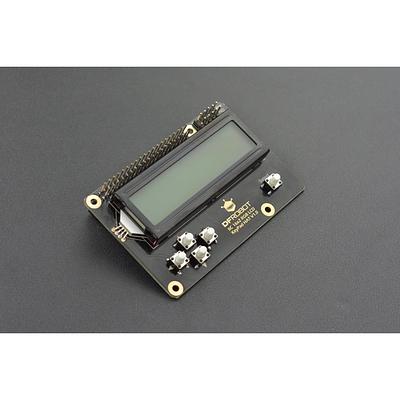
IIC 16x2 RGB LCD KeyPad HAT with RGB Backlight(Compatible with Raspberry Pi 3B+/4B)
This is a 2*16 character RGB LCD+Keypad plate for Raspberry Pi. We made improvements in the wiring connection based on the previous LCD display as well as left out the contrast adjustment function, so the product can be pretty easy to use, and users can spend time focusing on the most important p...
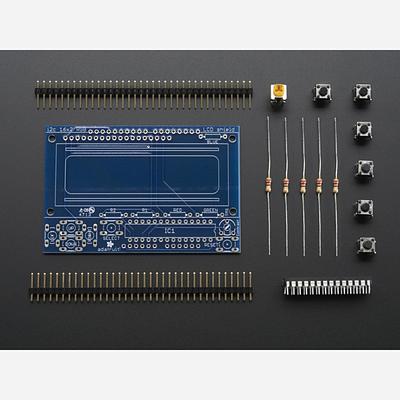
Adafruit I2C Controlled + Keypad Shield Kit for 16x2 LCD
The Adafruit I²C Controlled + Keypad Shield Kit lets you drive a 16×2 character LCD and read 5 navigation buttons using only two I²C pins on your Arduino. This frees up the 9+ digital pins that a standard LCD connection would require, while still allowing other I²C devices to share the bus. The ...
![RGB LCD Shield Kit w/ 16x2 Character Display - Only 2 pins used! [POSITIVE DISPLAY]](/rails/active_storage/representations/redirect/BAh7BkkiC19yYWlscwY6BkVUewdJIglkYXRhBjsAVGkCRblJIghwdXIGOwBUSSIMYmxvYl9pZAY7AEY=--d7efc0c83093e59a03da844a812d438494777450/BAh7BkkiC19yYWlscwY6BkVUewdJIglkYXRhBjsAVHsHOgtmb3JtYXRJIghqcGcGOwBUOhJyZXNpemVfdG9fZml0WwdpApABaQKQAUkiCHB1cgY7AFRJIg52YXJpYXRpb24GOwBG--4cc5678865497cdbcf7b02aee5242eda5f847322/image_74f3e35e-432d-402e-901b-5a8af96cd8af.jpg)
RGB LCD Shield Kit w/ 16x2 Character Display - Only 2 pins used! [POSITIVE DISPLAY]
This Arduino shield kit combines a 16×2 RGB character LCD with five navigation buttons, all controlled over I2C using just two pins (Analog 4 and 5). An on-board I2C port expander handles the LCD, RGB backlight, and keypad inputs, leaving your remaining pins free for sensors and other peripherals...
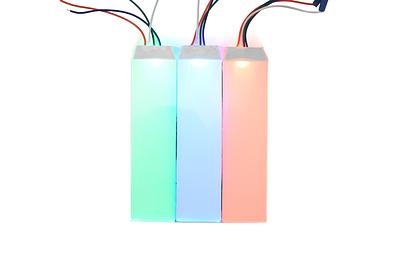
DFRobot Flexible RGB LCD Backlight Module
·
This thin, flexible RGB light-emitting panel is designed for embedded systems, custom LCD backlights and diffuse indicator lighting. It uses separate red, green and blue channels to produce RGB colour output, with a common anode interface for driving from your own electronics.The bendable panel c...
![RGB backlight negative LCD 20x4 + extras [RGB on black]](/rails/active_storage/representations/redirect/BAh7BkkiC19yYWlscwY6BkVUewdJIglkYXRhBjsAVGkC8axJIghwdXIGOwBUSSIMYmxvYl9pZAY7AEY=--1ed2ed852d7de3e3e0aceeff622f26249a2767e8/BAh7BkkiC19yYWlscwY6BkVUewdJIglkYXRhBjsAVHsHOgtmb3JtYXRJIghqcGcGOwBUOhJyZXNpemVfdG9fZml0WwdpApABaQKQAUkiCHB1cgY7AFRJIg52YXJpYXRpb24GOwBG--4cc5678865497cdbcf7b02aee5242eda5f847322/image_6617cffc-a7d5-4628-bb2d-2f4279f121c4.jpg)
RGB backlight negative LCD 20x4 + extras [RGB on black]
This is a fancy upgrade to standard 20x4 LCDs, instead of just having blue and white, or red and black, this LCD has full color RGB characters on a dark/black background! That means you can change the character display colors to anything you want - red, green, blue, pink, white, purple yellow, te...
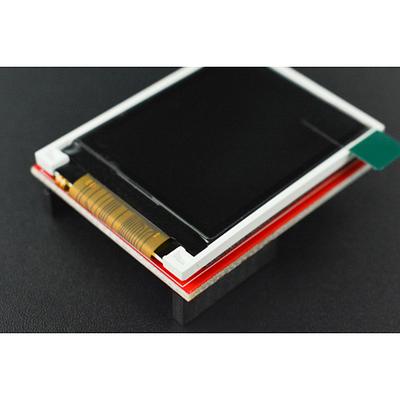
OpenMV Cam LCD Shield
The OpenMV Cam LCD Shield adds a 1.8" colour TFT display to your OpenMV Cam, letting you see what the camera sees in real time without connecting to a computer. Simply plug the shield onto your OpenMV Cam and view the live camera feed on the go — perfect for field testing, demos, and standalone m...
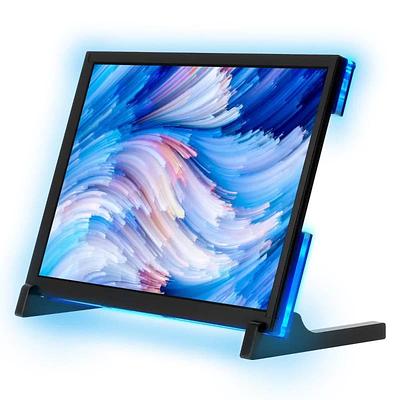
10.1" IPS Capacitive Touch Screen with RGB Animated light compatible with Raspberry Pi
A 10.1" IPS capacitive touchscreen with 1280 × 800 resolution and a distinctive RGB light strip on the back featuring 27 individually addressable LEDs with 19 animated lighting modes. Compatible with Raspberry Pi 3/3B+/4B, Jetson Nano, BeagleBone, Banana Pi, and other development boards, as well ...
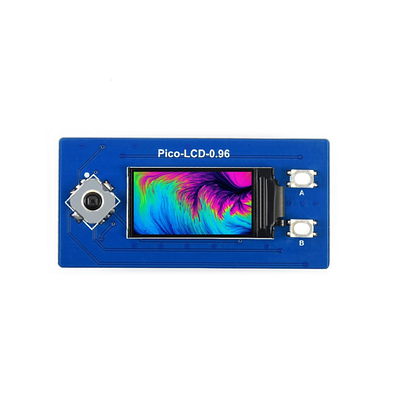
0.96inch LCD Display Module for Raspberry Pi Pico, 65K Colors, 160×80, SPI
This 0.96″ LCD Display Module is designed to plug directly onto a Raspberry Pi Pico via its onboard female pin header — no soldering or breadboard required. The 160×80 IPS panel delivers 65K RGB colours with wide viewing angles, driven by the ST7735S controller over SPI. Beyond the display, the ...
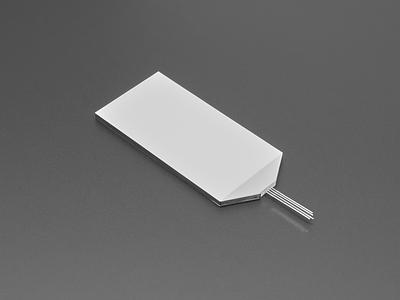
RGB Full Colour Backlight Display - 84mm x 45mm
·
This diffused RGB backlight is a rigid acrylic light panel like the kind normally found behind LCD displays, but with a full-colour LED instead of a plain white backlight. The acrylic spreads the light from a single LED to give a near-uniform glow across the lit area.The flat rear side includes a...
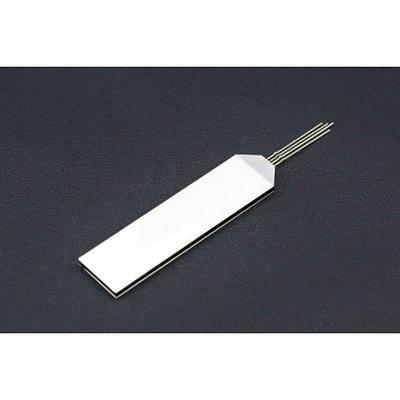
RGB LCD Backlight Module
DFRobot has a Gravity I2C LCD1602 RGB Backlight Screen which backlight can be modulated to the different backlight colors and the display effect is very brilliant. This RGB LCD backlight panel is its internal backlight component. The RGB LCD backlight panel uses the RGB color model, t...
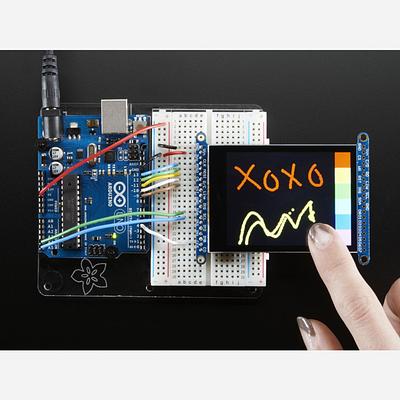
2.8 TFT LCD with Cap Touch Breakout Board w/MicroSD Socket
The 2.8" TFT LCD Breakout Board features a bright, full-colour display with a capacitive single-touch touchscreen and an onboard MicroSD card socket. With 240×320 resolution and individual RGB pixel control, it delivers vivid colour output for interactive projects. The breakout supports two inte...
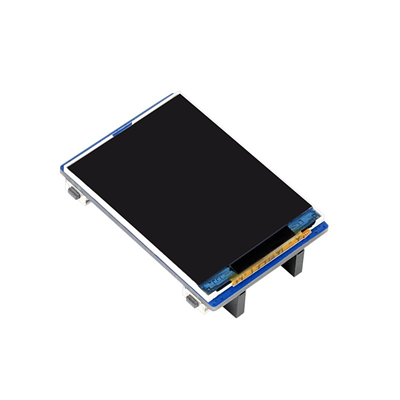
2inch LCD Display Module for Raspberry Pi Pico, 65K Colors, 320×240, SPI
The Waveshare Pico-LCD-2 is a 2-inch IPS LCD display module designed to plug directly onto a Raspberry Pi Pico via its onboard female pin header. With 320×240 resolution and 65K RGB colours, it delivers clear, vibrant visuals for your Pico projects. The module uses an SPI interface requiring min...
