All Products
Showing 1-17 of 17 products · 4 unavailable products hidden
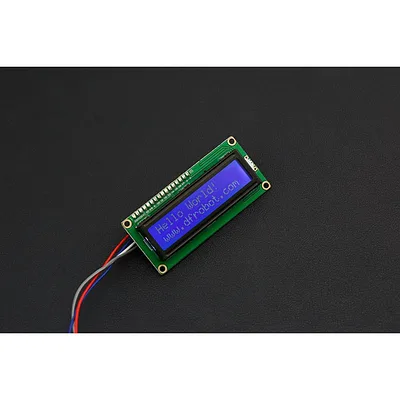
I2C 16x2(1602) LCD Display for Arduno
This is an 16x2 LCD display screen with with I2C interface. It is able to display 16x2 characters on 2 lines, white characters on blue background. Usually, Arduino LCD display projects will run out of pin resourceseasily, especially with Arduino Uno. And it is also very complicated with the wi...
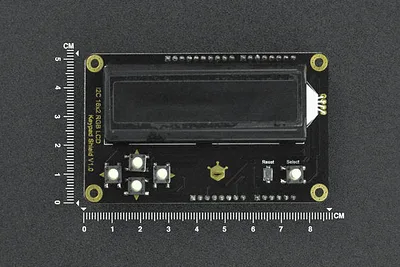
I2C RGB Backlight LCD 16x2 Display Module for Arduino (RGB Text)
·
This shield with a 16×2 RGB LCD screen could bring you a brand-new experience with an LCD screen!The RGB LCD shield extends all IOs of Arduino UNO on the back, by which you can connect with modules like sensors, LEDs, and servos while using this screen to display content. More possibilities for y...

Gravity: I2C 16x2 Arduino LCD with RGB Font Display (Black)
The Gravity I2C 16×2 LCD features RGB font colours on a black background, allowing you to display text in any of 16 million colour combinations. Using the Gravity I2C interface, only two data lines are needed for both communication and backlight control. The display supports 2 rows of 16 charact...

RGB LCD Shield Kit w/ 16x2 Character Display - Only 2 pins used! [POSITIVE DISPLAY]
·
This Arduino shield kit combines a 16×2 RGB character LCD with five navigation buttons, all controlled over I2C using just two pins (Analog 4 and 5). An on-board I2C port expander handles the LCD, RGB backlight, and keypad inputs, leaving your remaining pins free for sensors and other peripherals...
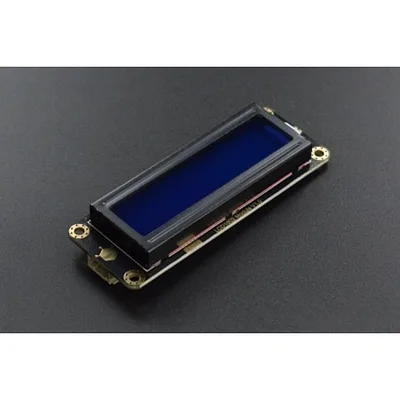
Gravity: I2C LCD1602 Arduino LCD Display Module (Blue)
The Gravity I2C LCD1602 is a 16×2 character LCD display module with a blue backlight and white text. It communicates over I2C, requiring only two data pins instead of the many parallel connections of a traditional LCD1602. The module is compatible with both 3.3V and 5V systems, and the contrast i...
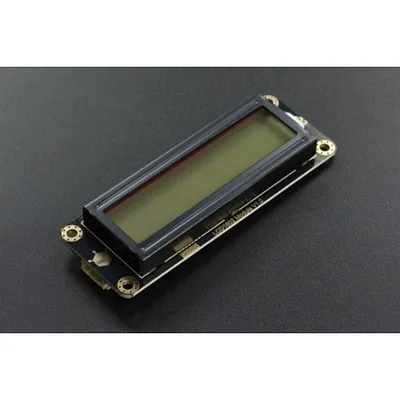
Gravity: I2C LCD1602 Arduino LCD Display Module (Gray)
The Gravity I2C LCD1602 is a 16×2 character LCD display module from DFRobot's Gravity series, redesigned with a clean modern look and simplified I2C interface. It eliminates the need for contrast adjustment, retains backlight control, and is compatible with both 3.3 V and 5 V systems — making it ...
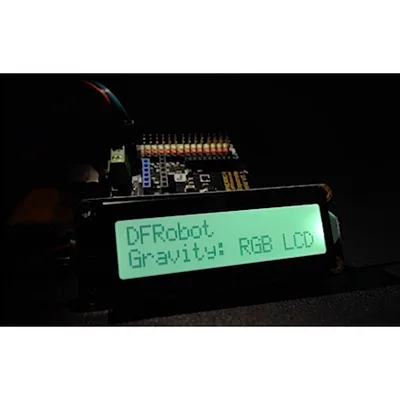
Gravity: I2C 16x2 Arduino LCD with RGB Backlight Display
A 16×2 character LCD module with full RGB backlight, communicating over I2C for minimal wiring. With support for 16 million backlight colours, this display adds a vibrant, customisable readout to your Arduino or compatible microcontroller projects using just four wires: VCC, GND, SDA, and SCL. P...
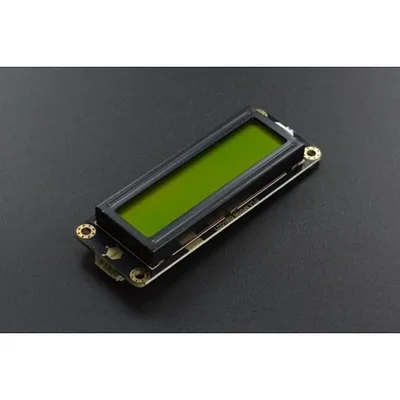
Gravity: I2C LCD1602 Arduino LCD Display Module (Green)
A 16×2 character LCD display module from DFRobot's Gravity series, connecting to your Arduino or microcontroller via a simple I²C interface — just two data wires instead of the many parallel connections a standard LCD1602 requires. Compatible with both 3.3V and 5V, with no contrast adjustment nee...
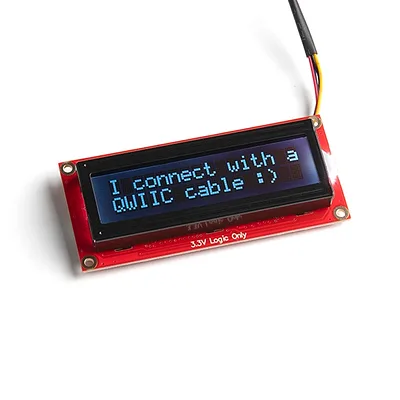
SparkFun 16x2 SerLCD - RGB Text (Qwiic)
The SparkFun 16×2 SerLCD is a serial-enabled LCD that provides a simple, cost-effective way to add an RGB-on-black liquid crystal display to your project. An on-board ATmega328P microcontroller handles all screen control, eliminating the need for a separate backpack board. The display supports t...
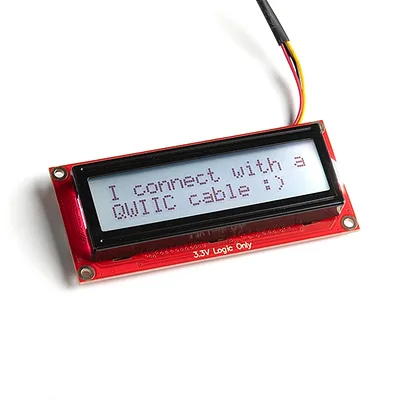
SparkFun 16x2 SerLCD - RGB Backlight (Qwiic)
The SparkFun SerLCD is an AVR-based, serial enabled LCD that provides a simple and cost effective solution for adding a 16x2 Black on RGB Liquid Crystal Display into your project. We've seriously overhauled the PCB design on the back of the screen by including an ATmega328P that handles all of th...

IIC 16x2 RGB LCD KeyPad HAT with RGB Backlight(Compatible with Raspberry Pi 3B+/4B)
This is a 2*16 character RGB LCD+Keypad plate for Raspberry Pi. We made improvements in the wiring connection based on the previous LCD display as well as left out the contrast adjustment function, so the product can be pretty easy to use, and users can spend time focusing on the most important p...
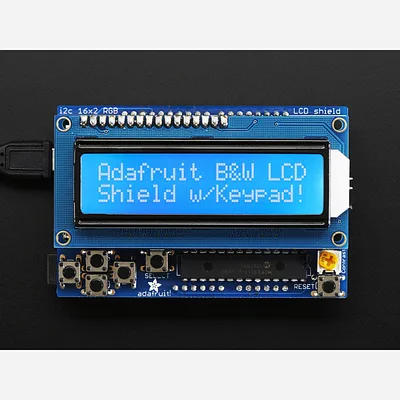
LCD Shield Kit w/ 16x2 Character Display - Only 2 pins used! [BLUE AND WHITE]
·
This new Adafruit shield makes it easy to use a 16x2 Character LCD. We really like the Blue & White 16x2 LCDs we stock in the shop. Unfortunately, these LCDs do require quite a few digital pins, 6 to control the LCD and then another pin to control the backlight for a total of 7 pins. That's al...

RGB LCD Shield Kit w/ 16x2 Character Display - Only 2 pins used! [NEGATIVE DISPLAY]
·
This new Adafruit shield makes it easy to use a 16x2 Character LCD. We really like the RGB LCDs we stock in the shop both the RGB negative and RGB positive. Unfortunately, these LCDs do require quite a few digital pins, 6 to control the LCD and then another 3 to control the RGB backlight for a...
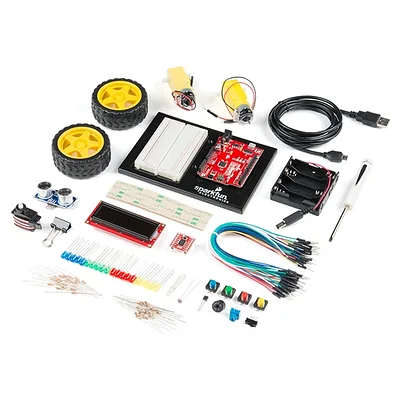
SparkFun Inventor's Kit - v4.1.2
A note for SparkFun Inventor's Kit v4.1 users: The only change that was made from the SIK v4.1 to the SIK v4.1.2 is our new carrying case. All of the internal parts and instructional guide have remained the same! The SparkFun Inventor's Kit (SIK) is a great way to get started with programmi...
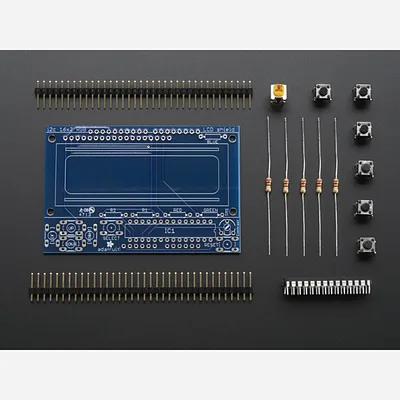
Adafruit I2C Controlled + Keypad Shield Kit for 16x2 LCD
·
The Adafruit I²C Controlled + Keypad Shield Kit lets you drive a 16×2 character LCD and read 5 navigation buttons using only two I²C pins on your Arduino. This frees up the 9+ digital pins that a standard LCD connection would require, while still allowing other I²C devices to share the bus. The ...
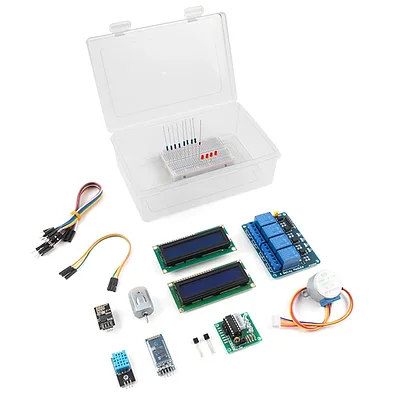
Elektor MIT App Inventor Bundle
The Elektor MIT App Inventor Bundle is a kit built to help learn about developing apps for Android compatible mobile devices using the MIT App Inventor online development environment. MIT App Inventor projects can be in either standalone mode or use an external processor. In standalone mode, the ...

i2c / SPI character LCD backpack
·
LCD backpacks reduce the number of pins needed to connect to an LCD. LCDs are a fun and easy way to have your microcontroller project talk back to you. Character LCDs are common, and easy to get, available in tons of colors and sizes. We've written tutorials on using character LCDs with an Ard...