Kitronik
Kitronik :VIEW Graphics 128 OLED display 128x64 for BBC micro:bit
All Products
Displays
New Arrivals
Robotics & Coding
Displays & User Interface
Circuitry & IOT
LCD & OLED Displays
Brands and Manufacturers
micro:bit
Micro:bit Displays
Micro:bit Expansion Boards
Digital Technologies
Education
Kitronics
Kitronik
STEM Education Kits
$34.35
|
In stock
The Kitronik :VIEW Graphics128 OLED display gives the user the ability to add a monochrome 128x64 display to the BBC micro: bit. The onboard edge connector a...
Get notified when back in stock
Estimated Delivery
Arrives
Disclaimer
Secure checkout
The Kitronik :VIEW Graphics128 OLED display gives the user the ability to add a monochrome 128x64 display to the BBC micro: bit. The onboard edge connector allows the micro:bit to slot into the board without any additional fixings. The board also features a micro:bit style I/O connector which means it can be slotted into any other micro:bit accessory that has a slot for inserting a micro:bit. All of the pins from the BBC micro:bit are tracked through to provide the edge pads with the full usage of the BBC micro:bit, with the addition of a display. As the micro:bit slots directly into the board, no tools, fixings, or soldering are required.
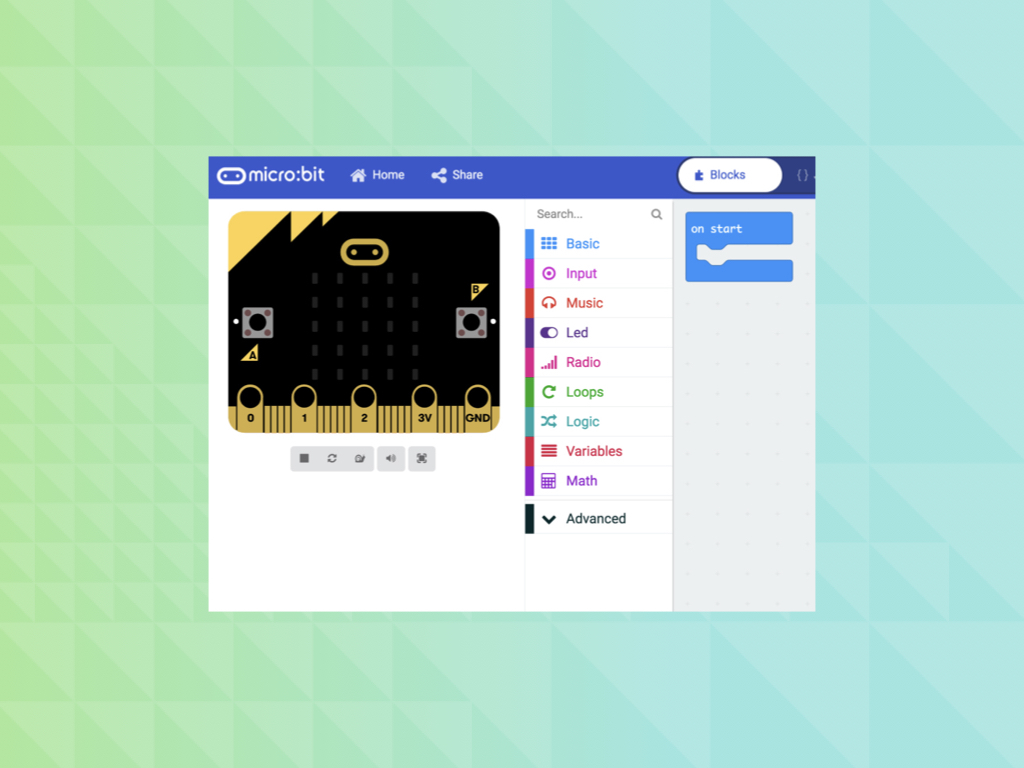
Kitronik has generated custom blocks and example code for MakeCode and MicroPython (see the datasheet for more details). The blocks can be added via the add Extensions function in the editor by searching “Kitronik”, or from: GitHub. More information about our custom Python functions can also be found at: GitHub.
Power to the board can be provided via the edge connector or from the micro:bit. The board requires a 3V supply and has no voltage protection on the board. The board features an LED to indicate when the board has power. With every display, pixel turned on the board has a maximum power draw of 40mA.
The 128x64 display uses the SSD1306 driver on an I2C interface. At the centre of the board are the breakout pads for the I2C lines, along with two ground pads and a 3V power pad. These pads are on a 2.54mm pitch, which means they will fit either wire or a pin header for jumper cables (not provided). This can be used by those who wish to add more I2C devices and functionality. It is possible to change the default I2C address of the board (see the Selecting Display section of this Datasheet for more details).
Features:
- Add a monochrome 128x64 OLED display to the micro:bit.
- The micro:bit slots into the onboard edge connector.
- The board features a micro:bit style I/O connector allowing it to be slotted into other micro:bit accessories.
- It can be coded with MakeCode blocks and with Python.
- Kitronik has created custom MakeCode blocks..
- Kitronik has created a GitHub repo for custom Python functions.
- It can be powered via the edge connector or by the micro:bit.
- Requires a 3V supply.
- The board features a power indicator LED.
- It is possible to change the default I2C address of the board.
- No tools, fixings, or soldering are required.
Contents:
- 1 x Kitronik :VIEW Graphics128 OLED display 128x64 for BBC micro:bit
Dimensions:
- Length: 58mm.
- Width: 52mm.
- Height: 11.8mm.
- PCB Thickness: 1.6mm
Jargon buster
Plain-language definitions for the technical terms used above.
- breakout
- A breakout board carries a small or fine-pitched component and brings its connections out to standard, breadboard- and header-friendly pins. Describing a part as a breakout means it can be wired into a project without soldering directly to the component's tiny contacts.
- I2C
- I2C is a two-wire communication bus used by many sensors and small modules. It matters because several I2C devices can share the same two wires, but each device needs a compatible address and your controller must support I2C.
- I2C address
- An I2C address is the number a device uses so a microcontroller can tell it apart from other devices on the same I2C bus. It matters because two devices with the same fixed address may conflict if used together.
- LED
- A light-emitting diode (LED) is a small electronic component that emits light when current flows through it in the correct direction. Because it only conducts one way, its polarity matters, and a through-hole LED must be soldered the correct way around to light up.
- MicroPython
- A version of the Python programming language made to run on microcontrollers. It matters because it lets beginners write readable code to control LEDs, sensors, motors and displays without needing to start with lower-level languages.
- OLED
- OLED stands for organic light-emitting diode, a display type where each pixel produces its own light. It matters because OLED screens are thin, high-contrast and easy to read for small status displays, but they can be more sensitive to image burn-in than some other display types.
- PCB
- A printed circuit board (PCB) is a board, usually rigid, with etched copper tracks that connect electronic components together without loose wiring. Components are mounted on the board and signals route between them through the copper layout.
Find this product in
Digital Technologies
Displays & Screens
micro:bit
STEM & Education
Related Tutorials
Free guides on learn.littlebird.com.au