Electronics kits for an 11-year-old that come with instructions
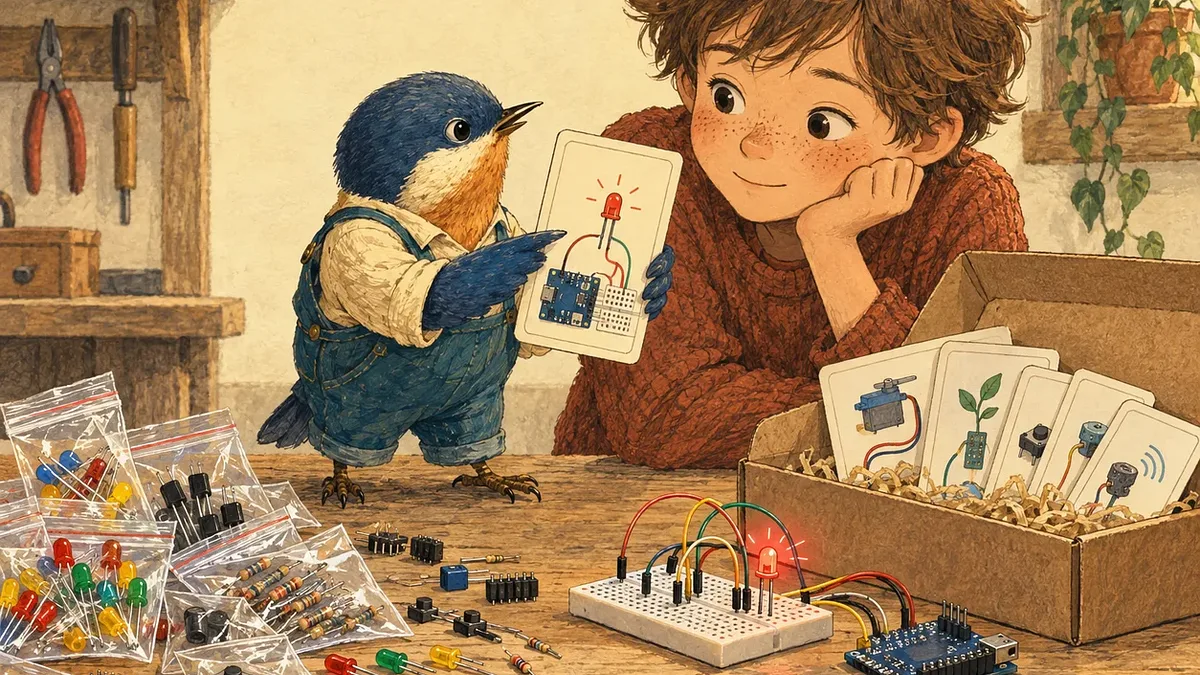
A parent emailed us this week: they were looking at our Electronics Components Basic Starter Kit for their 11-year-old and wanted to know if it came with an instruction manual or project kits. The short answer is no. That kit is loose parts only, with no booklet. Plenty of starter kits do come with step-by-step projects, though, and below are three we'd pick for an 11-year-old.
Two kinds of starter kit
The name gets used for two very different things.
Parts kits are an assortment of loose components: LEDs, resistors, capacitors, buttons and so on. They're inexpensive and handy to have on the bench, but they assume you already know what to build and have a guide or project to follow.
Learning kits are built around a set of projects. They include a microcontroller board (a small programmable computer, such as an Arduino or a micro:bit, that runs your child's code) or are designed to work with one, plus the parts for each project and a set of lessons that walk through each build step by step. This is what most parents are picturing when they buy a first kit for a child.
The Electronics Components Basic Starter Kit is a parts kit
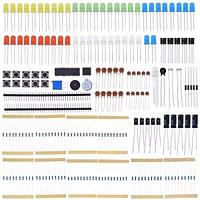
The Electronics Components Basic Starter Kit is a parts assortment. The packing list includes:
- 50 LEDs in five colours, plus an RGB LED that mixes red, green and blue
- 100 resistors in ten different values, and 30 capacitors
- Five transistors and five diodes, plus two chips for more advanced circuits
- 10 push buttons, two buzzers and a potentiometer (a resistor you can adjust)
- Two light sensors, a temperature sensor and two strips of header pins
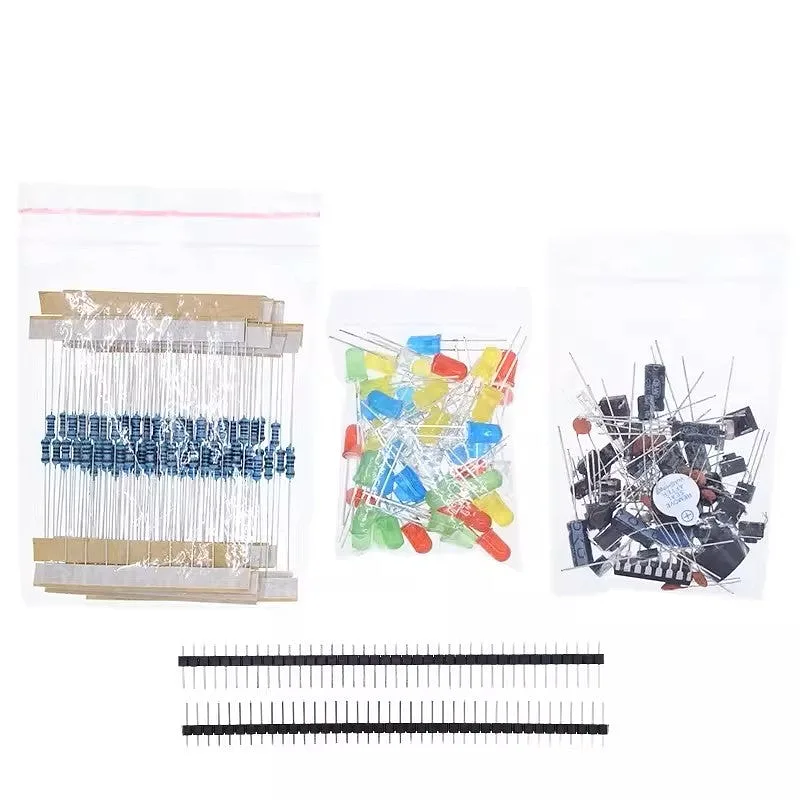
Resistors in one bag, LEDs in another, everything else in a third, plus two strips of header pins.
There's no instruction manual or project booklet in the packing list. It also doesn't include a breadboard, jumper wires or a microcontroller board, so on its own there's nothing to plug the parts into or program.
It's a good second purchase once your child has a learning kit and wants more parts to experiment with. As a first kit for an 11-year-old, we'd suggest one of the options below.
Kits that come with projects
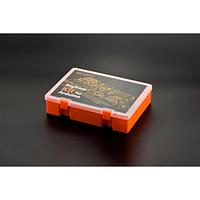
DFRobot Beginner Kit for Arduino Uno
The Beginner Kit for Arduino Uno comes with printed wiring guides for 30 projects. DFRobot's step-by-step lessons for all 30, with the code for each one, are free on their Learn site.
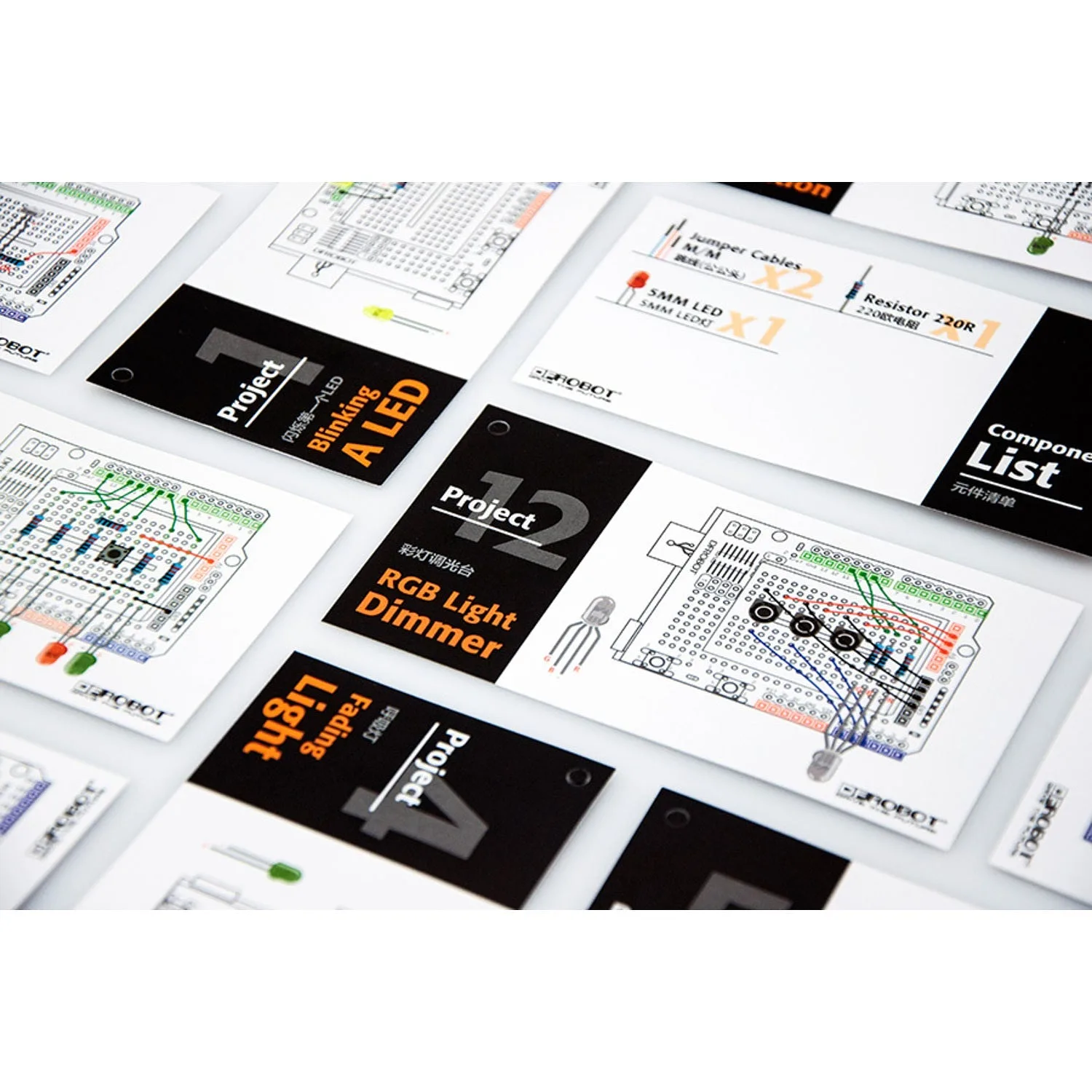
Each project in the DFRobot kit has its own card with a wiring diagram.
The projects start with flashing an LED and sending an SOS signal, then move through traffic lights, a temperature alarm, a light-sensitive LED, servo control, a DIY fan and an LED you control with an IR remote. Later projects include a drum pad, a reflex tester game, a dice roller, a sound level meter and lighting patterns on an 8×8 LED matrix.
The kit includes a DFRduino UNO R3 (DFRobot's version of the Arduino Uno), a USB cable to connect it to your computer, a prototyping shield that plugs into the top of the board and has a small breadboard on it, a separate breadboard, jumper wires and the components for every project.
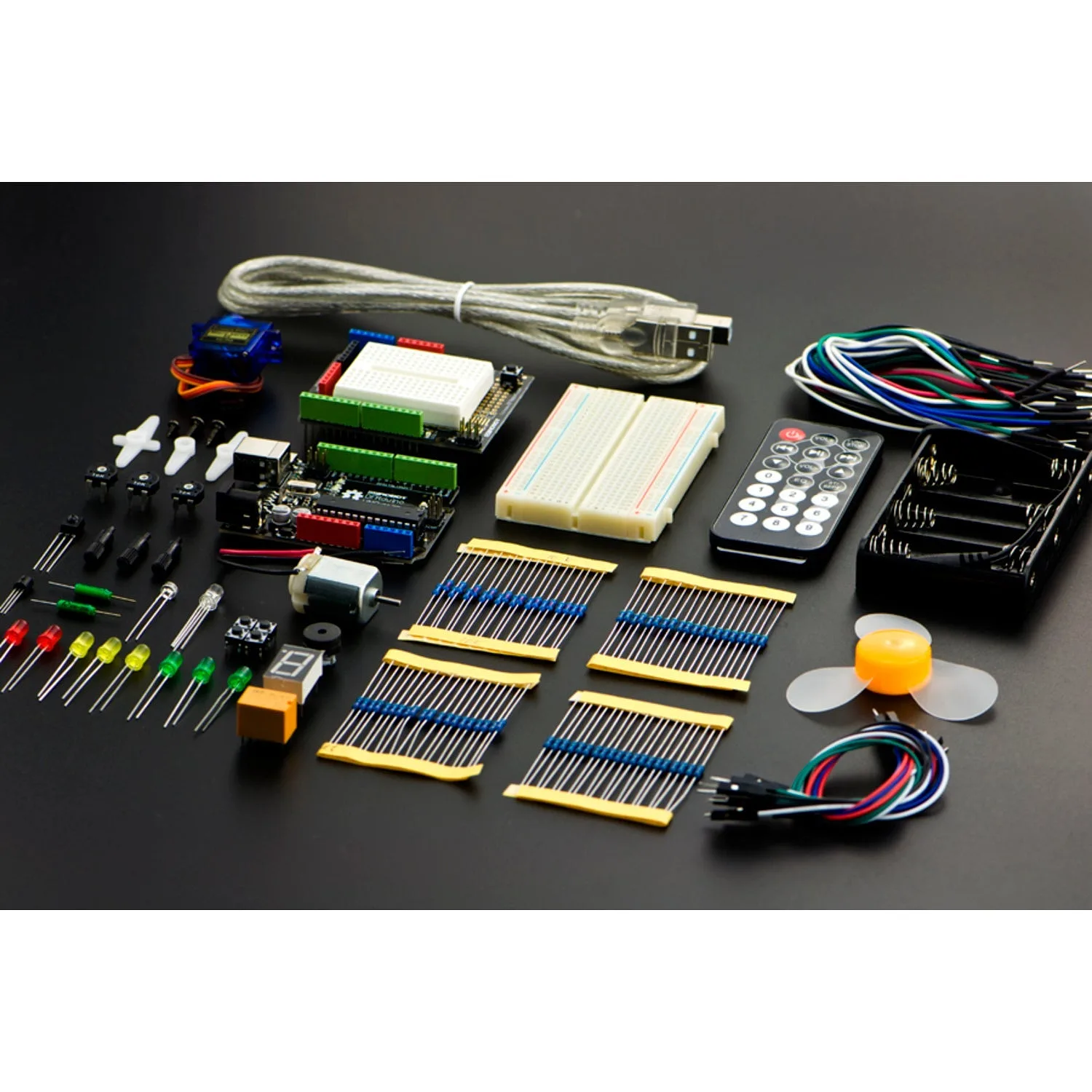
The board with its prototyping shield, a servo, a motor and fan, an IR remote, the USB cable and a battery holder for running projects away from the computer. The current version of the kit also adds an 8×8 LED matrix, a microphone and a piezo disc.
It's programmed with the Arduino IDE, a free program you install on the computer, where your child types the code and sends it to the board. That suits a child who has done some coding at school and is ready for the next step, or one who'll be working through it with a parent.
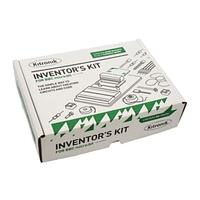
Kitronik Inventor's Kit for micro:bit
The Kitronik Inventor's Kit for the BBC micro:bit comes with a printed tutorial book that walks through each experiment step by step. The experiments include reading a light sensor, dimming an LED with a knob, driving a motor, playing tones on a buzzer and mixing colours with an RGB LED. Inside there's a breakout board that connects the micro:bit's pins to the included breadboard, a mounting plate that holds them together, a motor with a fan blade, LEDs, a light sensor, a buzzer, resistors and jumper wires.
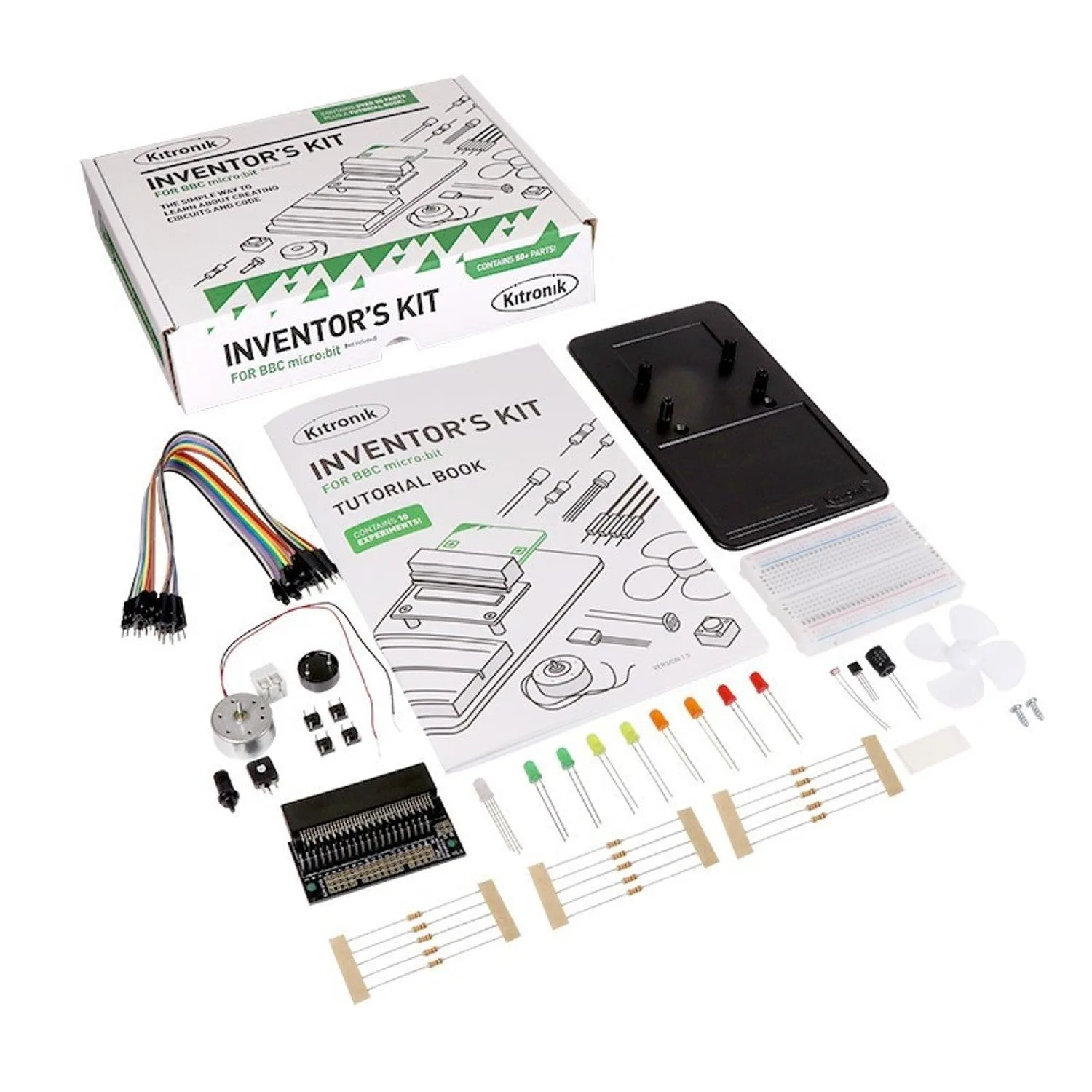
The tutorial book comes in the box with the parts, so there's nothing to print or download.
The micro:bit can be programmed with drag-and-drop blocks in Microsoft MakeCode, which runs in a web browser, so it's a gentle start for a child who hasn't written code before. When they're ready, the same board can be programmed in Python.
The kit does not include the micro:bit itself, so you'll also need a micro:bit v2 board and a micro USB cable to connect it to your computer. If your computer only has USB-C ports, get the USB-C to micro USB cable instead. You'll also need a Phillips screwdriver to fit the mounting plate.
Keyestudio Kidsbits Maker Coding Box
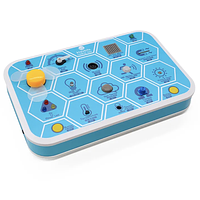
The Kidsbits Maker Coding Box is an Arduino-based kit designed for children over 6. There's no wiring: LEDs, an RGB LED, an 8×8 LED matrix, two buttons, a buzzer, a fan, a servo, a knob and sensors for light, sound, motion, magnets, gas and temperature are all built into the box. Your child plugs it into a computer with the USB cable and goes straight to coding. Projects include flashing LEDs, an intrusion alarm, a smart fan and a temperature tester.
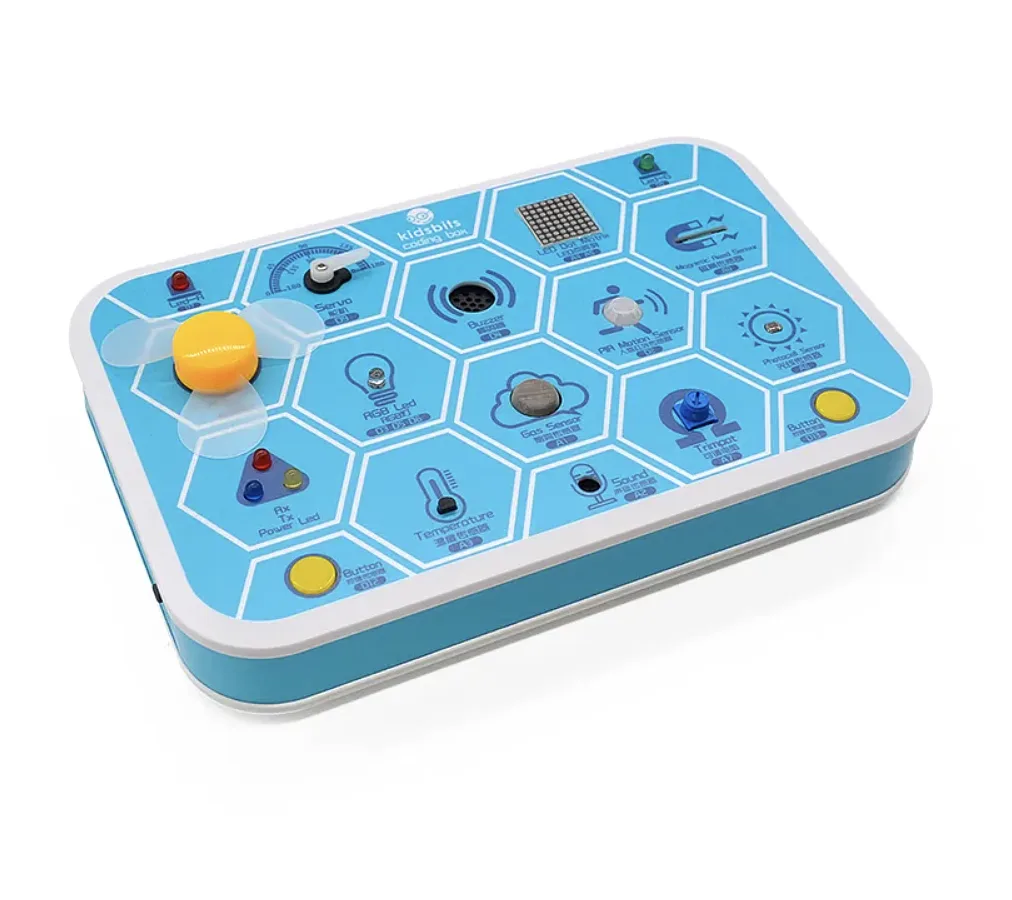
Each part sits in its own labelled hexagon on the lid.
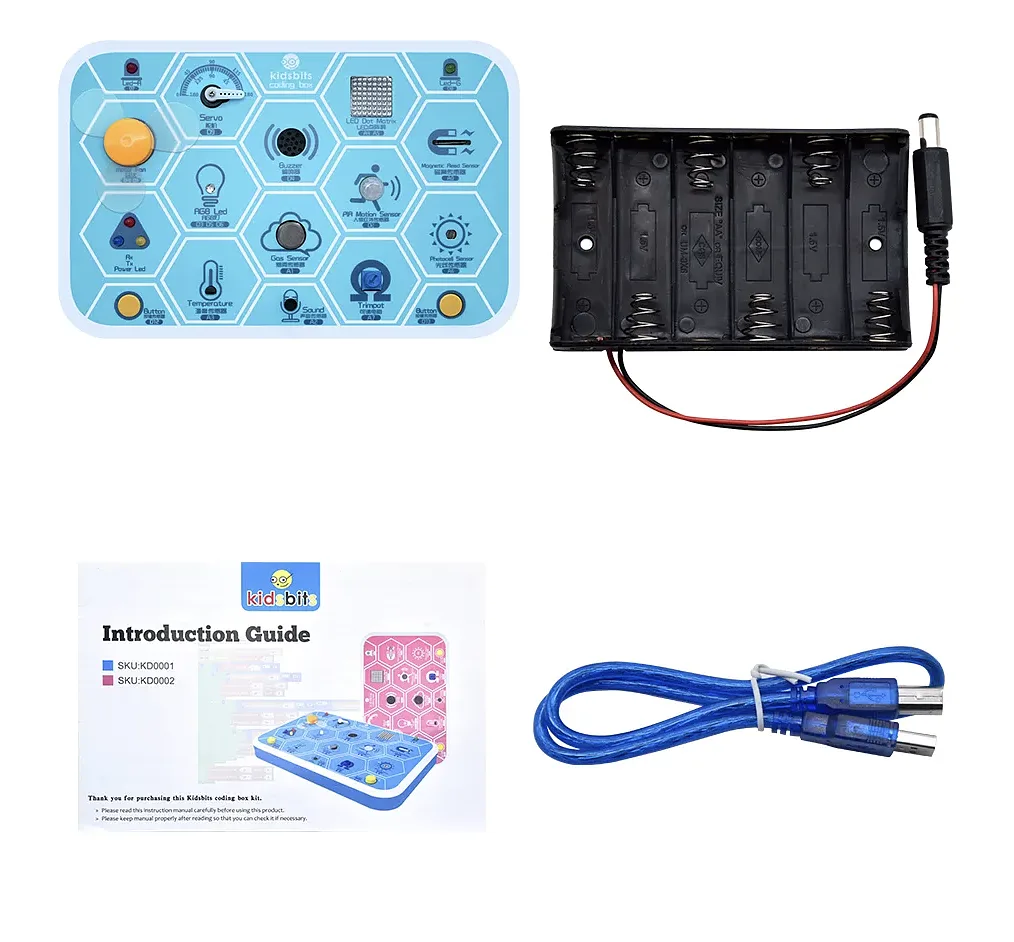
In the box: the Coding Box, a holder for six AA batteries, a USB cable and an introduction guide.
Alongside Arduino code, it can be programmed with KidsBlock, Keyestudio's block editor built on Scratch. If your child already uses Scratch at school the blocks will look familiar, which makes it an easy bridge into electronics. Beyond the printed introduction guide, Keyestudio's online tutorial walks through 22 projects in KidsBlock and 25 in Arduino code, with the code for each one.
KidsBlock and the Arduino software install on a Windows or Mac computer. The box runs off its USB cable while it's plugged in, and the battery holder takes six AA batteries if you want to use it away from the computer.
Which one for an 11-year-old?
- Never written code before: the Kitronik Inventor's Kit (plus a micro:bit v2 board and a USB cable) or the Kidsbits Maker Coding Box. Both let them start with blocks. If they want to wire up their own circuits too, go for the Kitronik kit. The Kidsbits box has everything built in, so it's all about the code.
- Done some Scratch and wants to type real code: the DFRobot Beginner Kit for Arduino Uno. The printed wiring guides keep each project manageable.
- Already has a kit and wants more to tinker with: add the Electronics Components Basic Starter Kit for a top-up of LEDs, resistors, buttons and sensors.
Still not sure?
Email us at team@littlebirdelectronics.com.au or call 1300 240 817 (Monday to Friday, 10am to 4pm Sydney time) and tell us what your child has coded or built so far. We'll point you to the right kit.