


Beginner
DIY LED Clock Kit
Soldering guide for DIY LED Clock Kit
By Marcus Schappi
Acrylic LED display case
Main PCB (with silkscreen component outlines)
4× 7-segment LED displays
ICs & Sockets
4 x Resistors
2 x Capacitors 100uf
2 x Capacitors 22pf
1 x Diodes
1 x Transistors
2 x Capacitors 100uf
2 x Capacitors 22pf
1 x Diodes
1 x Transistors
2 x Push buttons
Micro USB port and cable for power
Screwdriver
This kit does NOT come with the CR1220 battery holder (for RTC backup) as the enclosure would not comply with Australian Standards.
Step 1 — What’s in the Kit
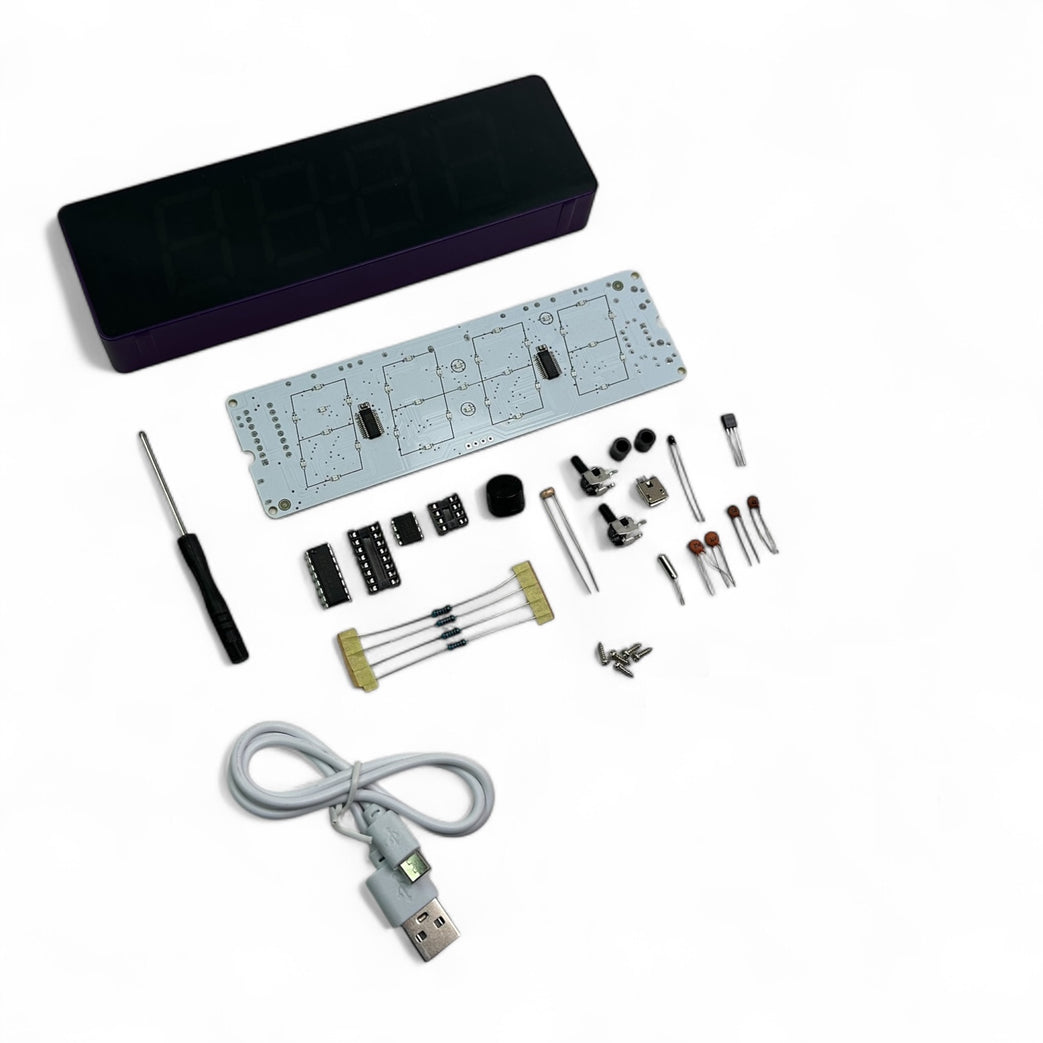
Acrylic LED display case
Main PCB (with silkscreen component outlines)
4× 7-segment LED displays
ICs & Sockets
4 x Resistors
2 x Capacitors 100uf
2 x Capacitors 22pf
1 x Diodes
1 x Transistors
2 x Capacitors 100uf
2 x Capacitors 22pf
1 x Diodes
1 x Transistors
2 x Push buttons
Micro USB port and cable for power
Screwdriver
This kit does NOT come with the CR1220 battery holder (for RTC backup) as the enclosure would not comply with Australian Standards.
Step 2 — 🔧 Tools Required
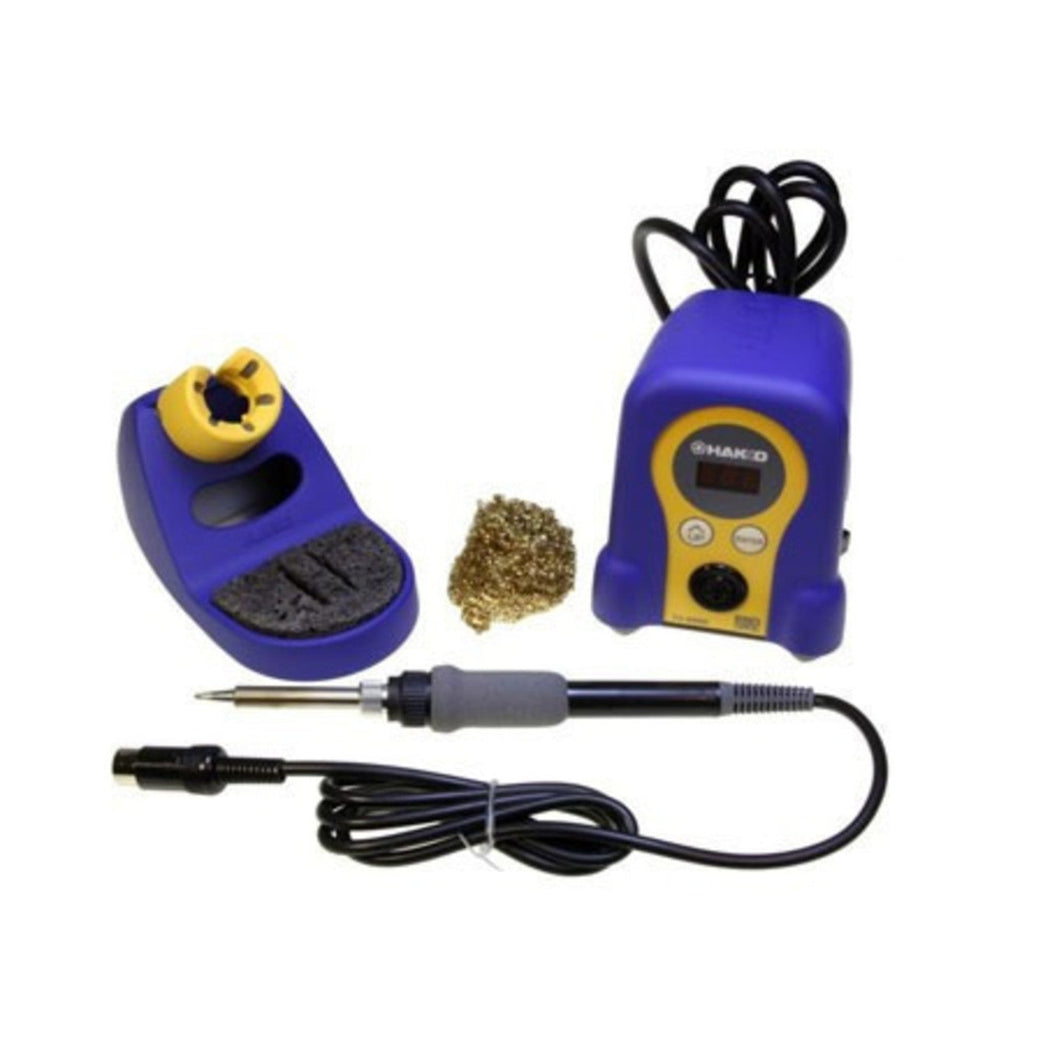
Soldering iron
Solder wire
Wire cutters/snips
Step 3 — Solder Resistors
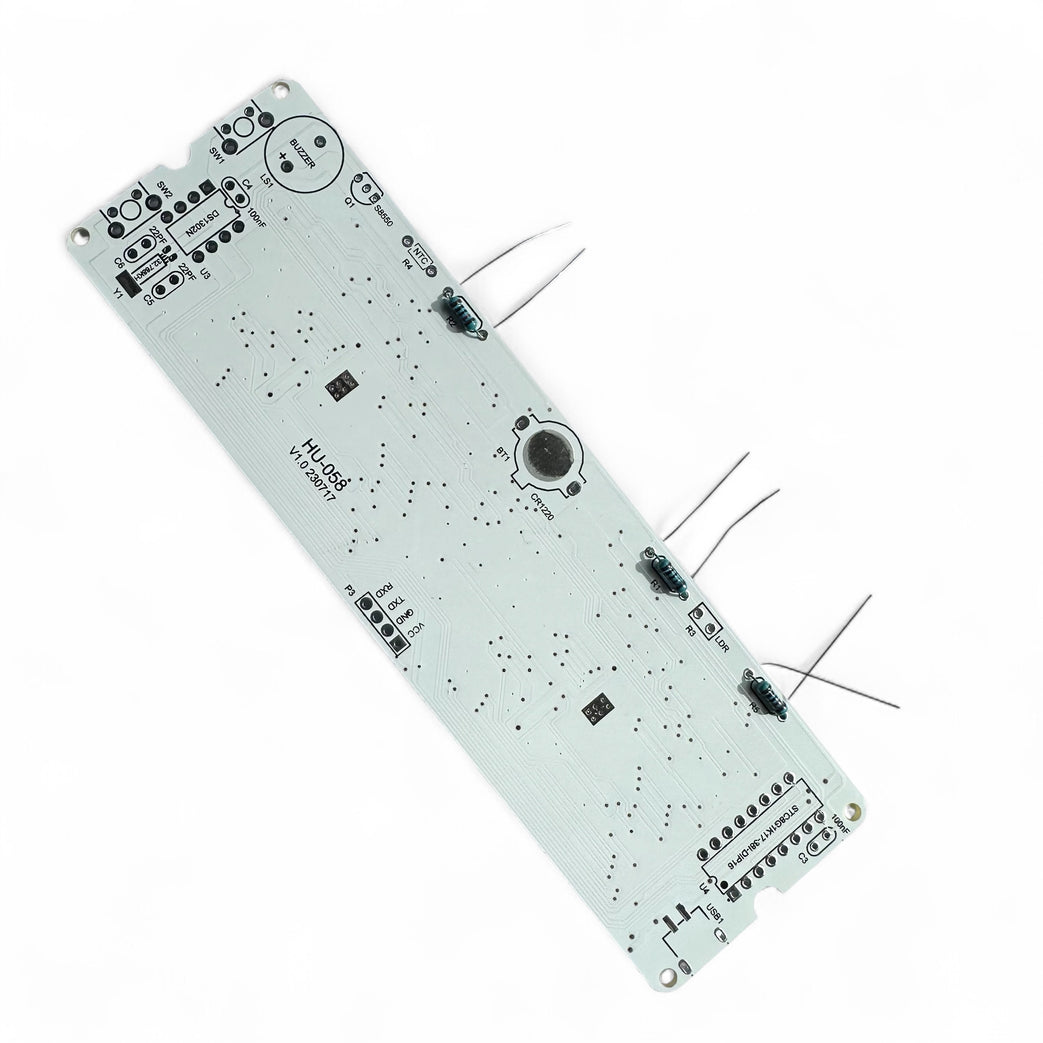
Insert resistors into the correct places.
Bend leads, solder, and clip excess.
Step 4 — Solder LDR and Thermistor
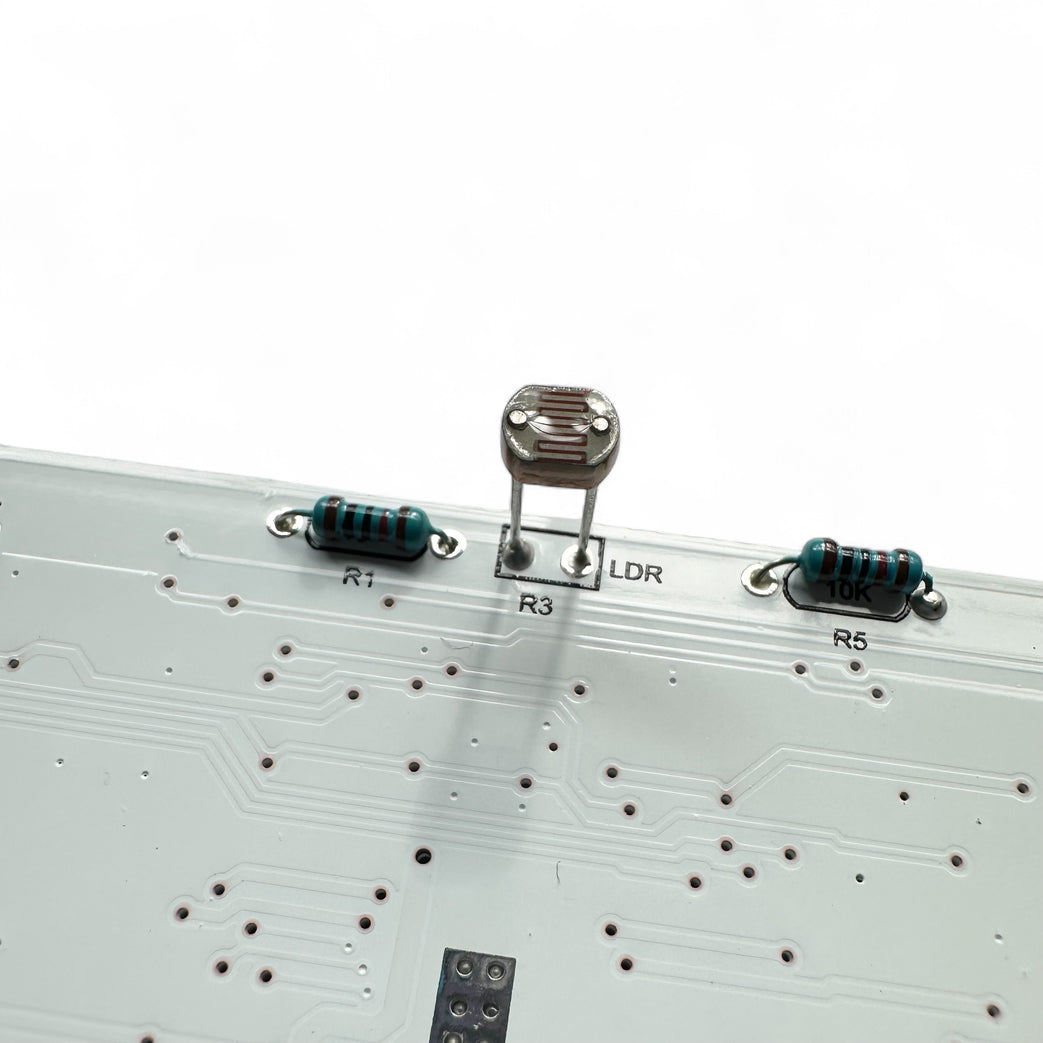
Make sure that these stand about 8mm from the PCB as it needs to pass through the top of the case to sense light and temperature.
Step 5 — Install Capacitor and Crystal Oscillator
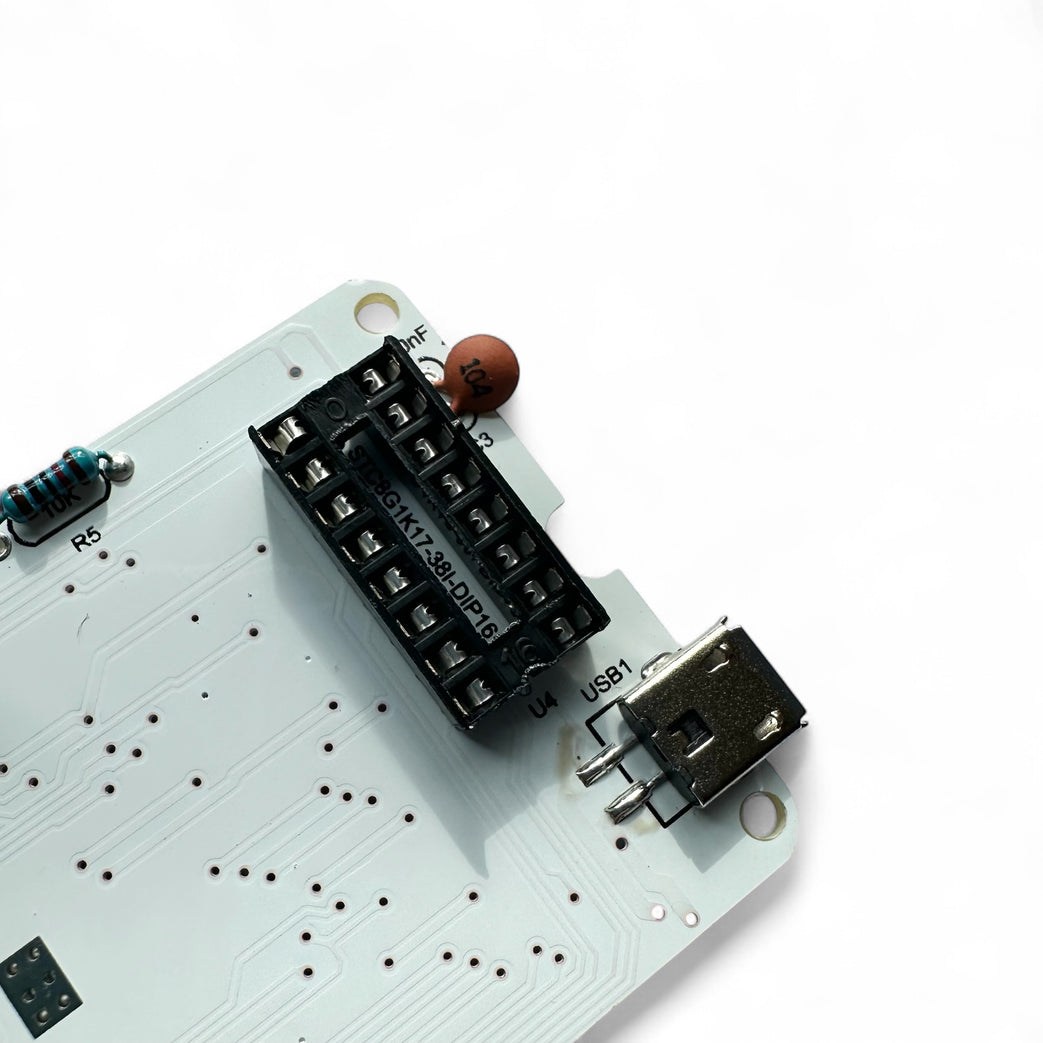
Insert small round brown caps (22 and 104).
They are not polarised so can go either way.
Step 6 — Install DIP-8 IC Socket and DIP-16 IC Socket
Insert sockets for ICs (don't install ICs yet).
Ensure notch in socket matches the notch on PCB silkscreen.
Solder all pins cleanly.
Step 7 — Install Buzzer
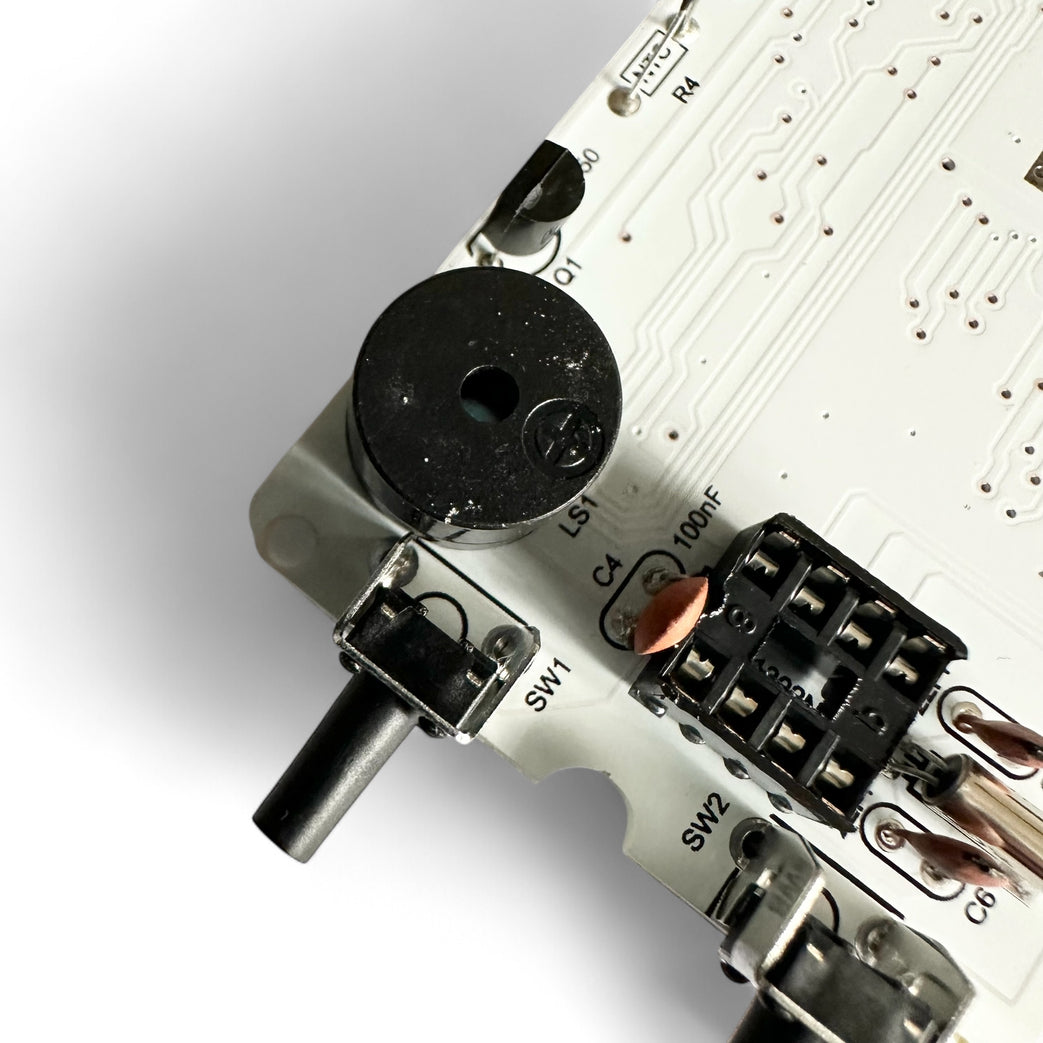
The underside of the buzzer has the + and - labelled.
Make sue it matches up with the PCB
Make sue it matches up with the PCB
Step 8 — Insert the PCB into the Case
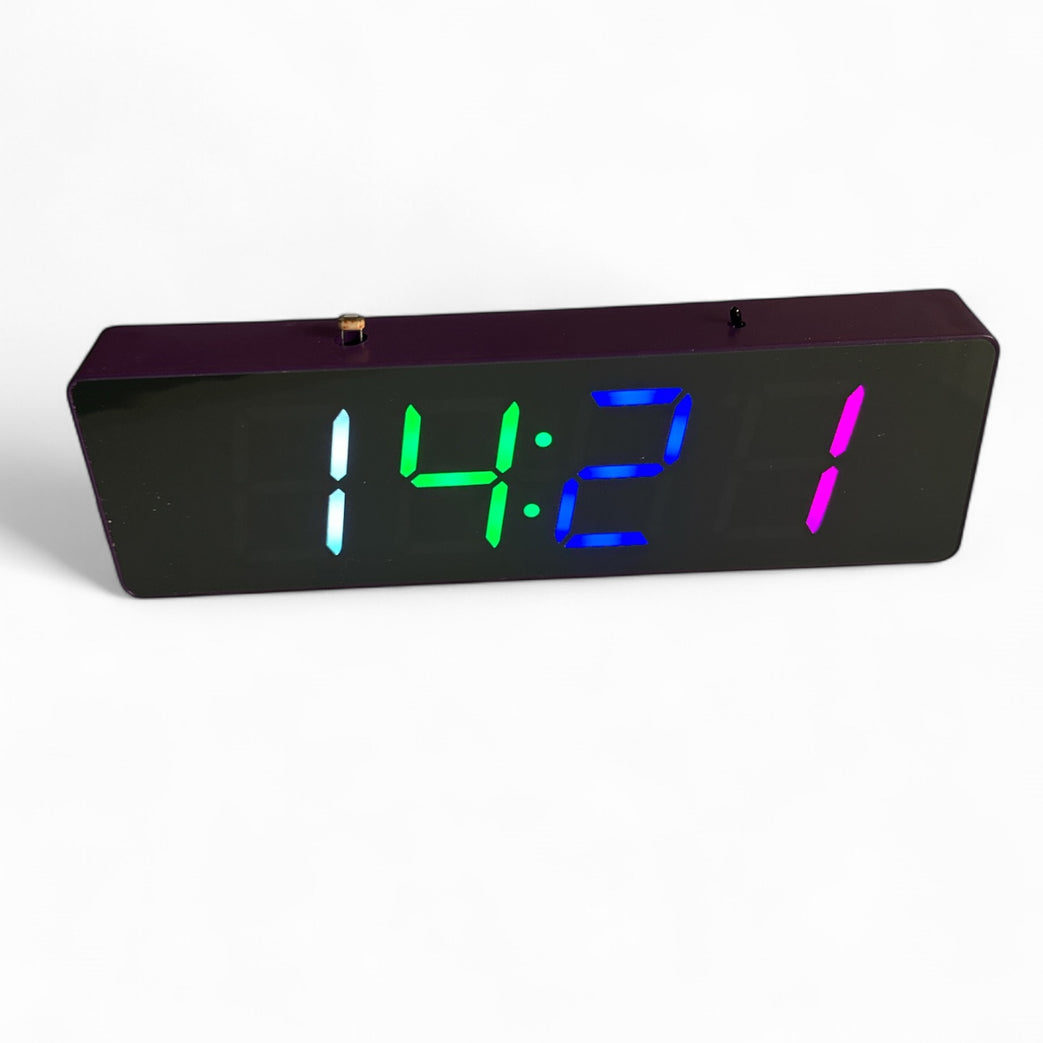
Make sure the LDR and Thermistor come through the holes in the top.
Screw 4 screw to keep everything in place.
Screw 4 screw to keep everything in place.
