

What works with Arduino vs Raspberry Pi (and how to bridge the two)
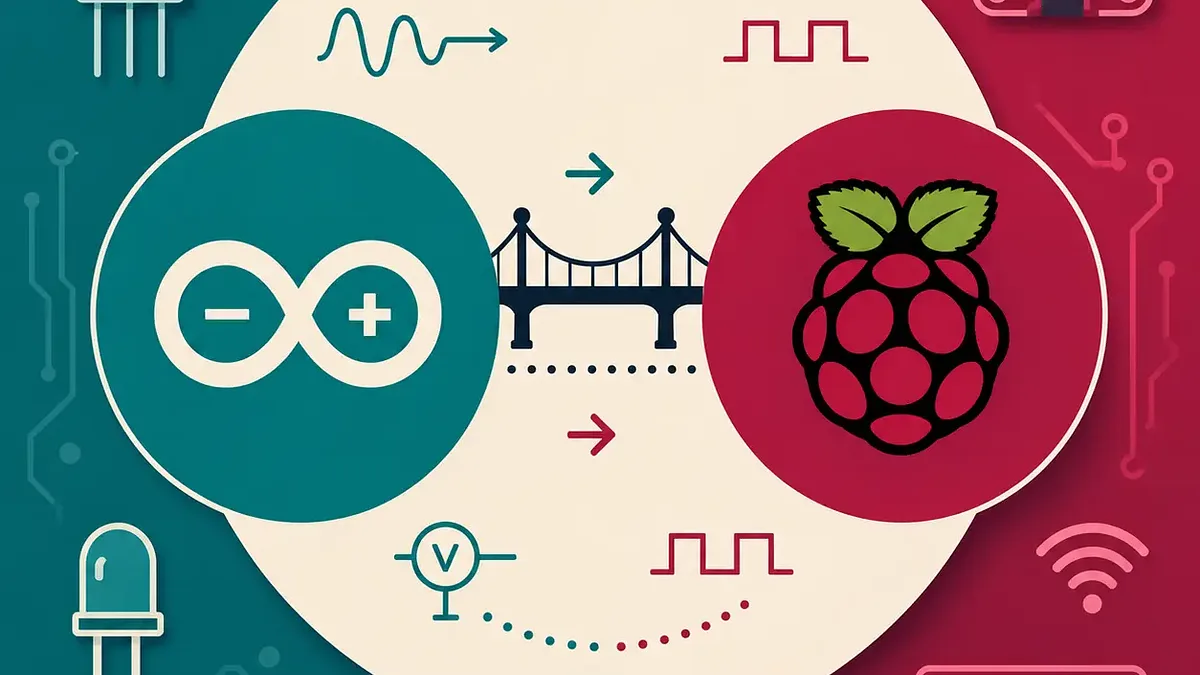
Great question — and a really common one once you move beyond your first few Arduino projects. The good news up front: most parts you'll buy work with both. Digital sensors, LEDs, buttons, relays, motors, OLED screens, I2C and SPI breakout boards — they're happy on either platform. The differences that actually trip people up come down to just two things: analog inputs and logic voltage. Get those two straight and most of the confusion disappears.
First, the mental model
An Arduino (like the Uno) is a microcontroller: it runs one program on bare metal with precise timing, which makes it brilliant at reading sensors and driving hardware in real time. A Raspberry Pi (like the Pi 5) is a small Linux computer: it multitasks, runs a desktop, talks to the network, and drives screens and cameras.
So the question is less "what works with which" and more "which job suits which board." Plenty of builds even use both — an Arduino handling the sensors and motors, talking to a Pi that does the heavy thinking.
The clearest dividing line: analog inputs (ADCs)
This is the single biggest practical difference, so it's worth understanding properly.
Lots of sensors are analog — a potentiometer, an LDR (light sensor), many temperature and soil-moisture sensors. They put out a voltage that varies smoothly, and to read that a board needs an ADC (Analog-to-Digital Converter) to turn the voltage into a number.
- The Arduino Uno has an ADC built in. Those pins labelled A0–A5 are analog inputs. You read one with a single line —
analogRead(A0)— and get a value from 0 to 1023. No extra parts needed. - A Raspberry Pi (Pi 4 / Pi 5) has no ADC at all. Every GPIO pin is digital only: it can read HIGH or LOW and nothing in between. Hand a Pi an analog sensor and it simply can't measure it.
The fix on a Pi is to add an ADC chip. A common, inexpensive one is the Analog to Digital Converter – MCP3002 (SKU SF-COM-08636, ~$6.25). It connects over SPI and gives the Pi a couple of analog channels to read. There are larger ADCs if you need more channels, but for learning, an MCP3002 is plenty.
One naming clarification, because it catches everyone: the Raspberry Pi Pico is a microcontroller (much more like an Arduino than a Pi computer), and it does have a built-in ADC. "Raspberry Pi" the Linux computer and "Raspberry Pi Pico" the microcontroller are two very different beasts. When people say "the Pi has no analog input," they mean the computer — not the Pico.
The other gotcha: logic voltage (3.3V vs 5V)
Every digital pin "speaks" at a certain voltage, and mixing voltages is how beginners accidentally let the smoke out of a board.
- A classic Arduino (Uno, Mega, Nano — the ATmega ones) runs at 5V logic. A HIGH is about 5V.
- A Raspberry Pi's GPIO runs at 3.3V — and is not 5V tolerant. Putting 5V onto a Pi GPIO pin can damage it.
(Worth knowing: not every Arduino is 5V. Newer ARM-based boards like the Nano 33 family run at 3.3V, so always check the specific board you've got.)
If you wire a 5V Arduino output straight to a 3.3V Pi input, you risk frying that Pi pin. Going the other way, a 3.3V HIGH doesn't always register reliably on a 5V input. The same issue shows up on shared I2C, SPI and serial lines any time a 5V board and a 3.3V board need to talk to each other.
The fix is a logic level converter (sometimes called a "level shifter") — a small board that sits between the two and safely translates the signals both ways. Two good starting options:
- SparkFun Logic Level Converter – Bi-Directional (SKU
SF-BOB-12009, ~$8.00) — 4 channels, very well documented, the classic choice. - Logic Level Converter 8 Channels Bi-Directional (SKU
LB-LR0214-110A, ~$5.40) — more channels for less, handy when you've got several lines to shift.
Quick reference
| Arduino Uno (classic) | Raspberry Pi (Pi 4 / Pi 5) | |
|---|---|---|
| What it is | Microcontroller | Linux computer |
| Logic voltage | 5V | 3.3V (not 5V tolerant) |
| Analog inputs (ADC) | Built in (A0–A5) | None — add an external ADC |
| Reads an analog sensor directly | Yes | No |
| Runs an OS / multitasks | No | Yes |
| Sweet spot | Real-time sensing, motors, timing | Networking, displays, processing |
Everything else — digital sensors, I2C/SPI breakouts, screens, buttons, relays — works on either platform, as long as the voltage matches (or you put a level converter in between).
What to actually buy
If you want to experiment across both worlds without the head-scratching, two cheap parts cover almost everything:
- A logic level converter, so 5V and 3.3V boards can safely talk to each other.
- An ADC (like the MCP3002), so a Raspberry Pi can read analog sensors.
Browse the full ranges here and grab whatever suits your build:
- Arduino: https://littlebirdelectronics.com.au/collections/arduino
- Raspberry Pi: https://littlebirdelectronics.com.au/collections/raspberry-pi
- Sensors & input: https://littlebirdelectronics.com.au/collections/sensors-input
Prices are AUD incl. GST and current at time of writing.
